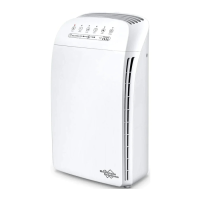
lter Replacement
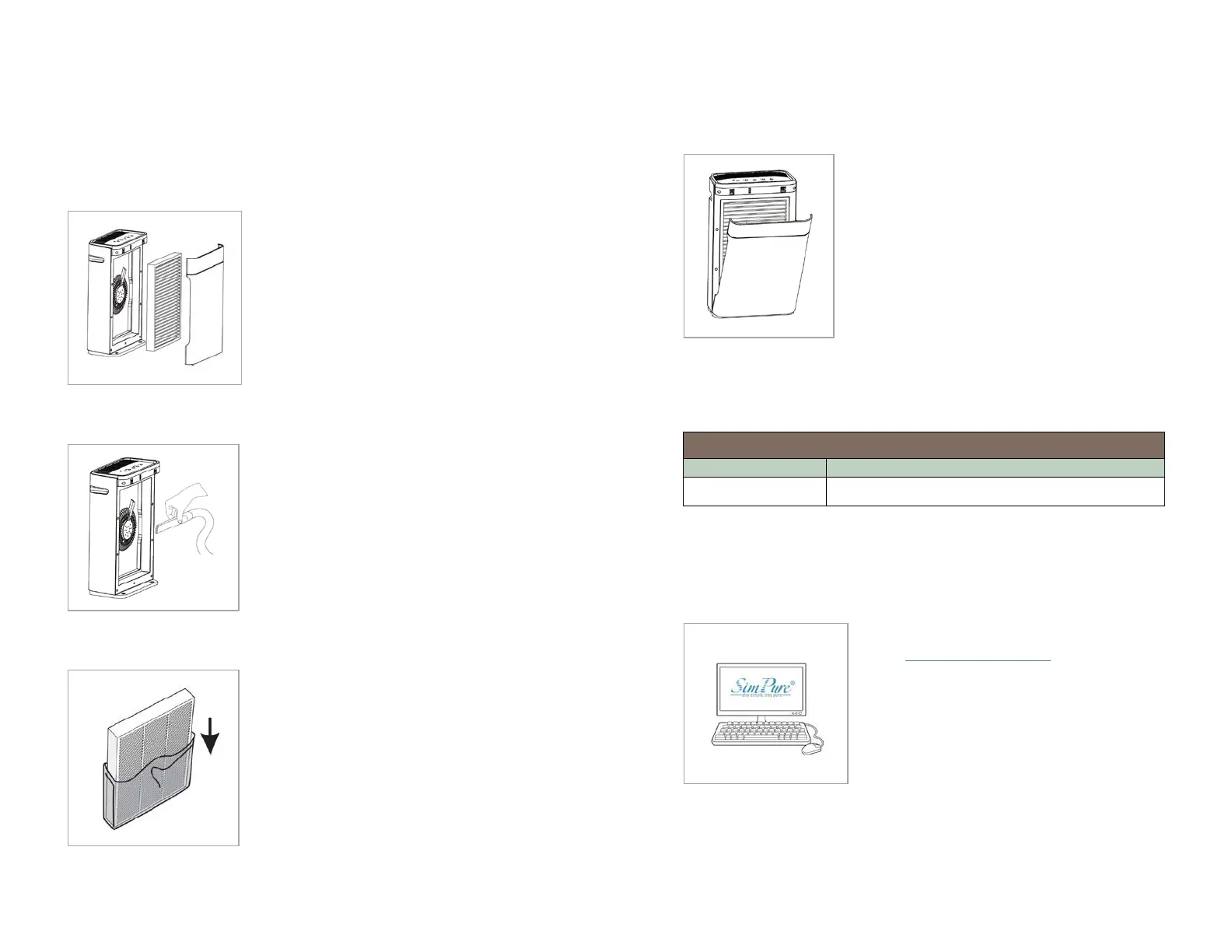
tep 1
Press the power button to turn the air
puri�ier off, unplug the power cord from
t
he electrical outlet.
emove the rear cover of the air puri�ier
nd remove the exhausted composite
tep 2
Clean out any remaining dust, dirt, or hair
inside the puri�ier using a vacuum hose
o
r dry cloth.
O NOT use water or liquids to clean the
uri�ier.
tep 3
Remove any packing from the new �ilter
element and take notice of the inward
a
nd outward sides of the �ilter element.
efer to the new �ilter instructions for the
irection of air�low.
tep 4
Place the new �ilter into the air puri�ier
making sure it is the correct way around.
A
ir�low travels from outside to the center of
he unit. Re�it the puri�iers rear cover
fter replacing the �ilter, plug the power cord
ack into an electrical outlet, then hold down
he �ilter button for 3 seconds to reset the
ilter timer, the indicator light will go out
howing the reset was successful.
egister for Warranty
Please register for your product's warranty
on the
www.simpurelife.com website.
ou will also �ind further information on
his product and other SimPure
®
products
ign up for our Newsletter to keep informed
about new products and available upgrades.
Replacement Filter Part Number
Single composite �ilter element


 To Next Page