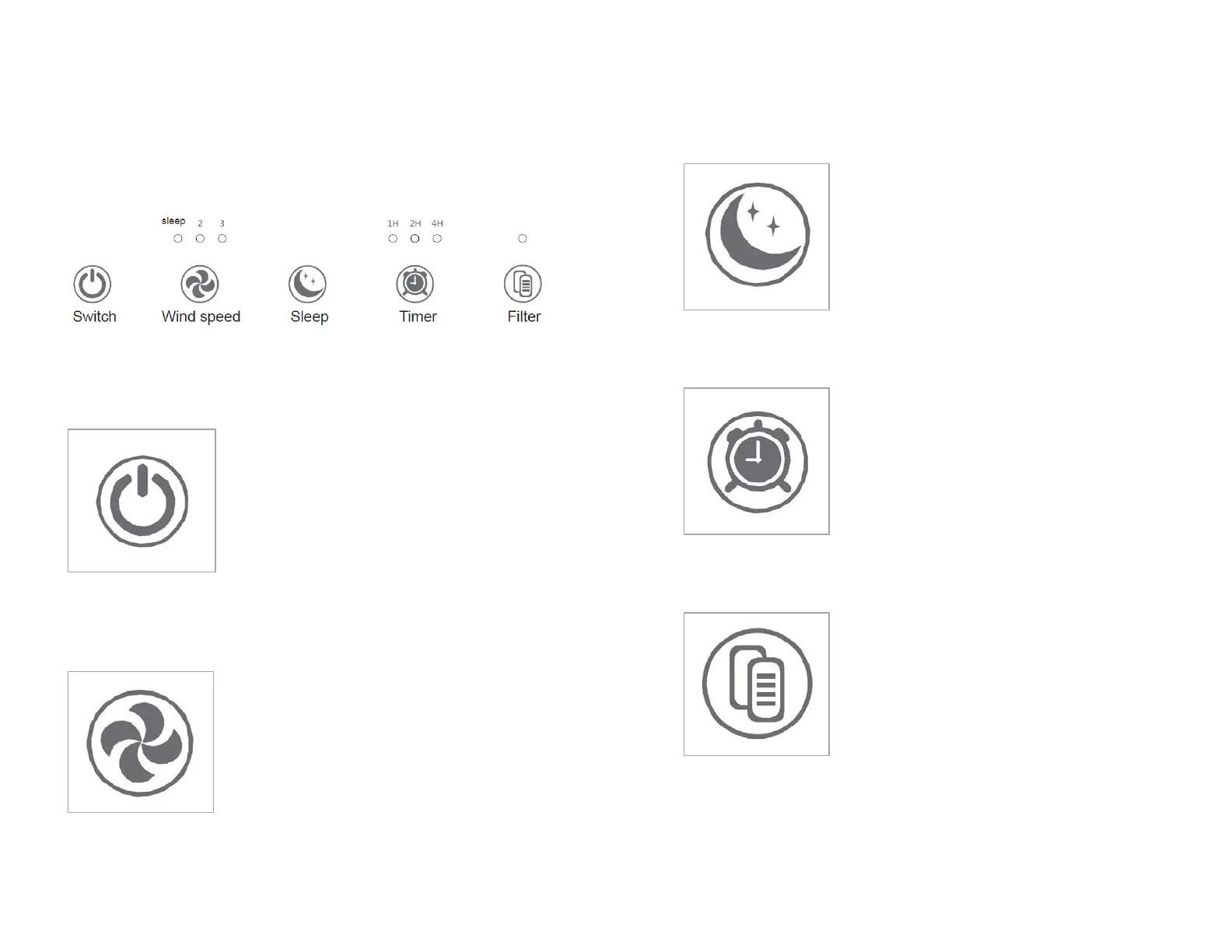
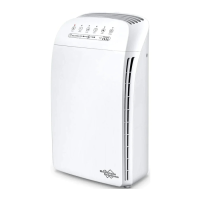
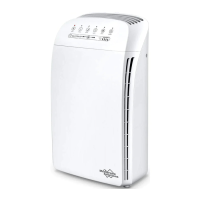
trol Panel
ower Button
Press the Power button to turn the air
puri�ier into operational mode.
P
ress the power button a second time to stop
he air puri�ier and place it into standby
ind Speed (Fan)
Repeatedly pressing this wind speed after
power-on will cycle through the fan speeds.
S
leep – Low speed
– Medium speed
– High Speed
e corresponding wind speed indicator
light will display the current fan speed.
leep Mode
Press the sleep button after power-on; the air
puri�ier enters the quieter sleep mode.
A
ll indicator lights are off; only the sleep
ode light is on (low fan speed).
imer
Press the timer button after power-on to set
the timed auto-off feature.
R
epeatedly press the timer button to cycle
hrough the auto-off times 1, 2, or 4 hours,
he corresponding indicator light will display
the auto-off time setting selected.
lter Reset
When the total run hours of the air puri�ier
reach 1500 hours, the indicator will light up
to
replace the �ilter. After the replacement is
mpleted (see page 11), you need to press
nd hold the �ilter button for 3 seconds until
he indicator light is off, the �ilter timer


 To Next Page