GD1 Page 45 of 76 850-816926-EN R06
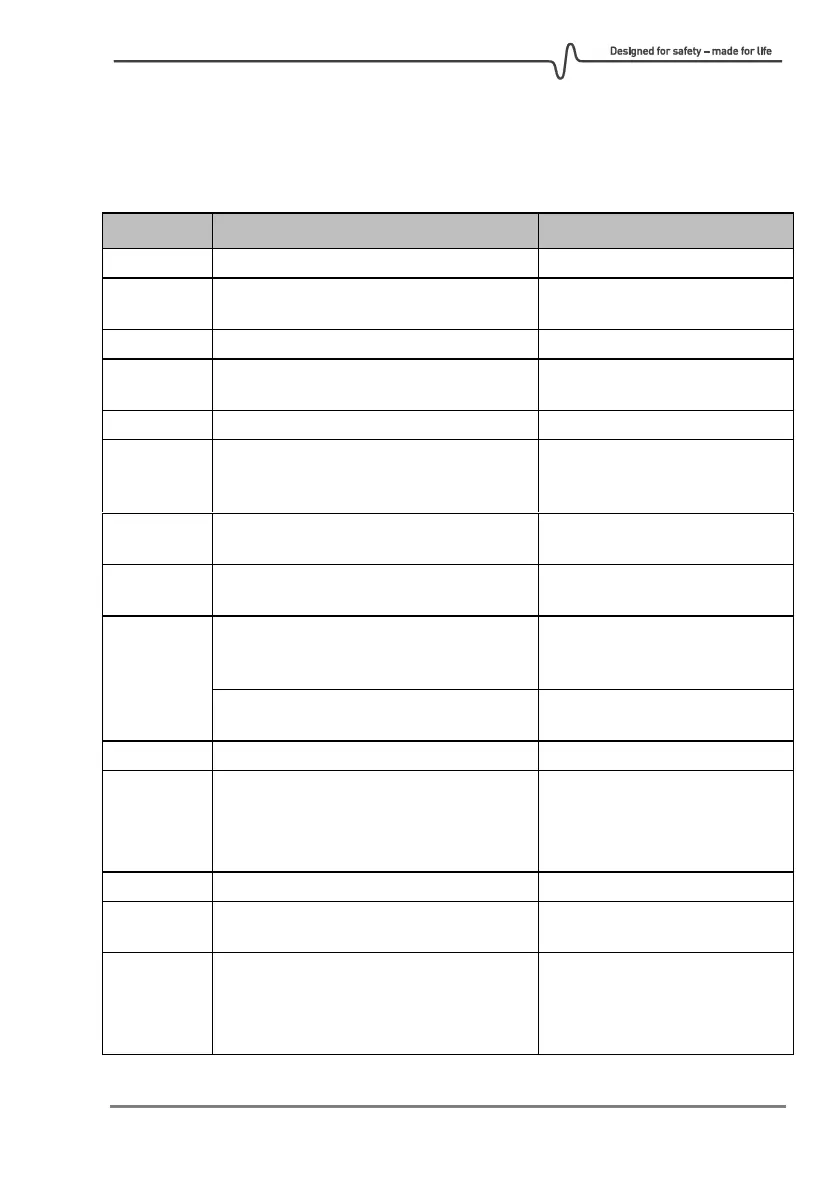
6.1. Error codes
Error codes are obtained by entering the Status screen through the Service Interface. After
an error has been corrected, it can still be displayed in the Status screen in the Service
interface.
Only relevant for vendor.
Issue with communication between TX
and RX.
Check wiring. See actions on
error 22.
Only relevant for vendor.
Issue booting up the receiver.
Check wiring. See actions on
error 22.
Only relevant for vendor.
Beam block. Possibly laser from TX is
obstructed by an object or alignment
need to be improved.
Remove blocking object or
improve alignment.
High transmission. Relative transmission
>125%.
Redo alignment. Make sure
lenses are clean before aligning
Timeout. Initialization took too long time.
Reboot the detector. Contact
Simtronics if Error persists.
Unable to track the CO
2
line
Too short path length. Distance
between TX and RX shall be 5
meters or more.
Not able to find the CO line during CO
verification.
No contact with RX. Possible poor
electrical connection in the Junction Box
or no power at RX.
Check power on RX.
Check wiring on terminals 1, 2,
11, 12 in both TX an RX
Junction Box.
Laser temperature too high. The detector
might be too hot for the laser to start up.
Disconnect power, cool down
the detector and reboot.
Restart the detector by turning
power off and on again.
If problem persists please
contact Simtronics.



 To Next Page