182
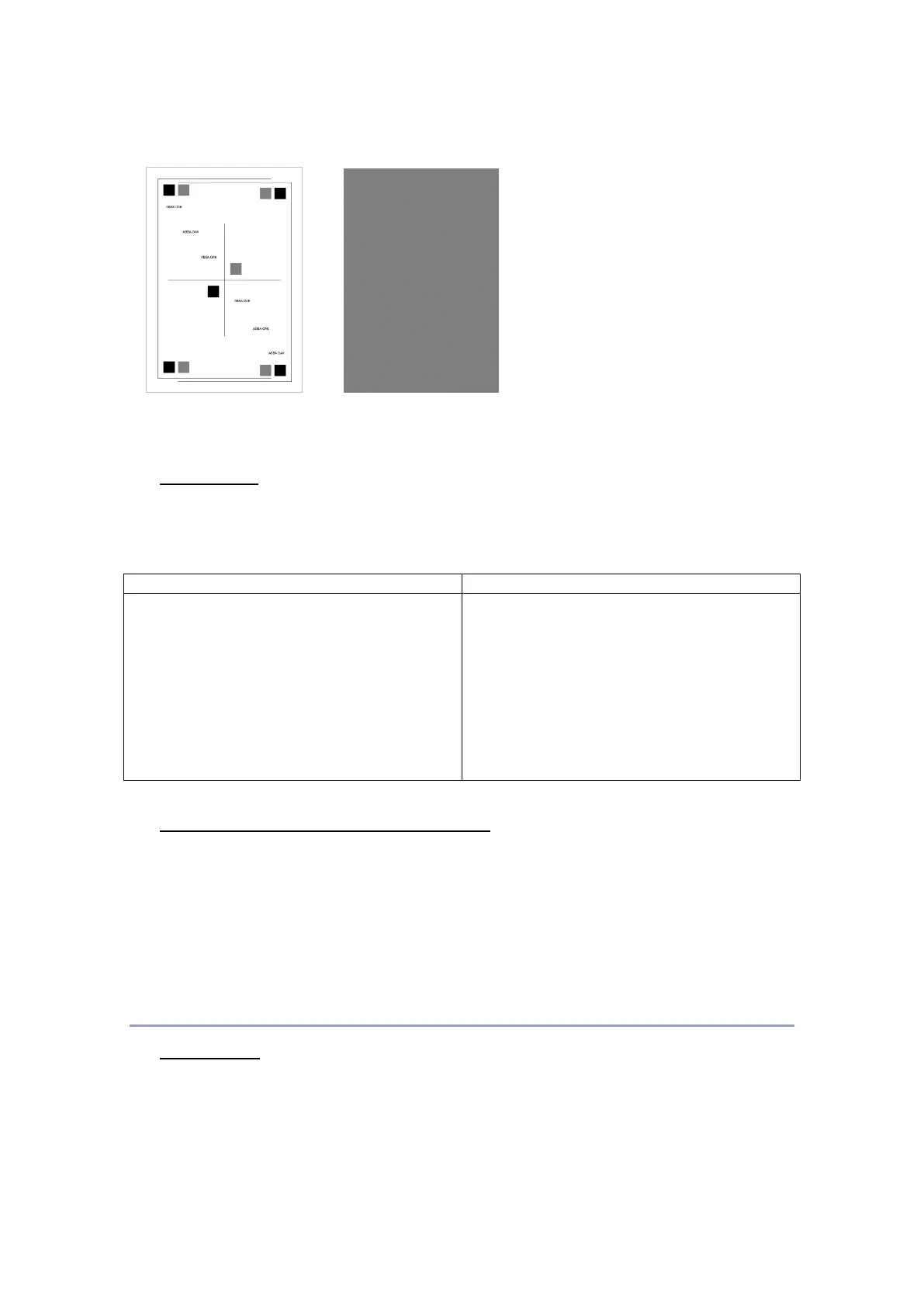
Skew Page Quality Page
Page Count
Check the page count and modify it.
To modify the page count,
1. Select Printer service in the diagnostic
mode.
2. Select Printer setup-Page count
3. Enter the values by using the number key
pad, and press OK to save it.
4. Press [Back] to exit.
1. Select Printer service in the diagnostic
mode.
2. Press Next button at the lowr right side to
move to the next page.
3. Select Printer setup-Drum Life Page
count
4. Press EXIT to exit.
Perm Page Count (Permanent Page Count)
In this menu you can see the permanent page count. This perm page count can be
changed on the operational panel by the user or tenchnical support engineer.
Hardware check(Hardware test)
Sensor Test
This test can be used to decide whether various sensors and switchs installed inside the
machine work properly, or not.


 To Next Page