202
Firmware Upgrade
Base Uni Firmware Upgrade(download)
Base Unit Firmware Upgrade from PC
0. Preliminary environment settings
⊙ Connect PC and the machine with USB cable
※ Caution : A611/M61x driver should be specified as the defulat printer in the PC.
1. Turn on the printer.
2. Specify the corresponding printer as the default printer in the printer or Fax windows.
3. Execute FirmwareDownload_log.exe file in Windows.
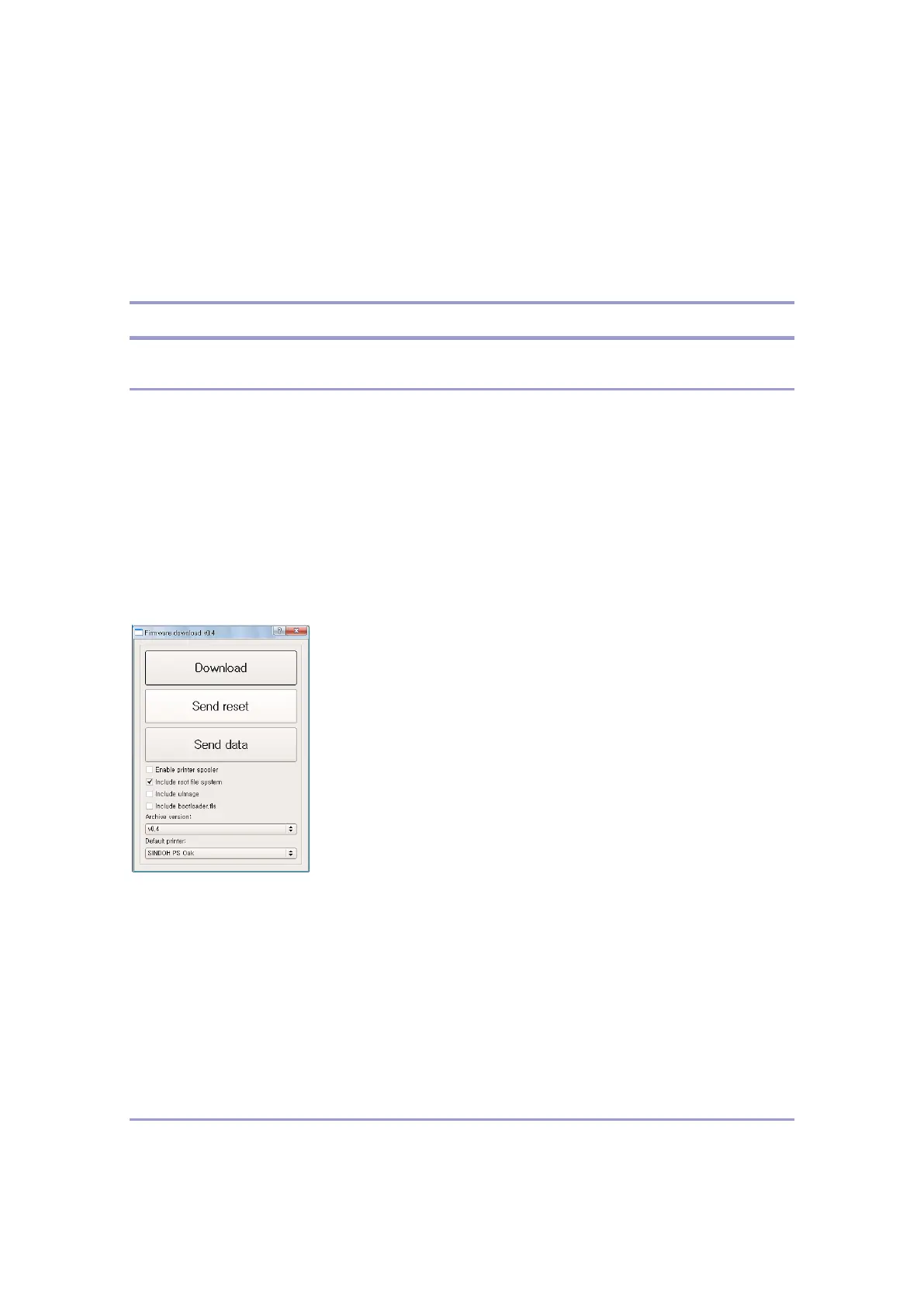
4. The following download dialog window appears.
5. Press Download button. (No need to use Send reset, Send data buttons)
6. Automatically being updated, the current progress appears on the LCD screen.
7.After completing the update, the printer reboots the system and shows the home screen
at last meaning the update has been completed.
Base Unit Firmware Update Using USB Thumb Drive
0. Preliminary environment settings



 To Next Page