D How to choose your pattern (For 3 dial 25 stitch model)
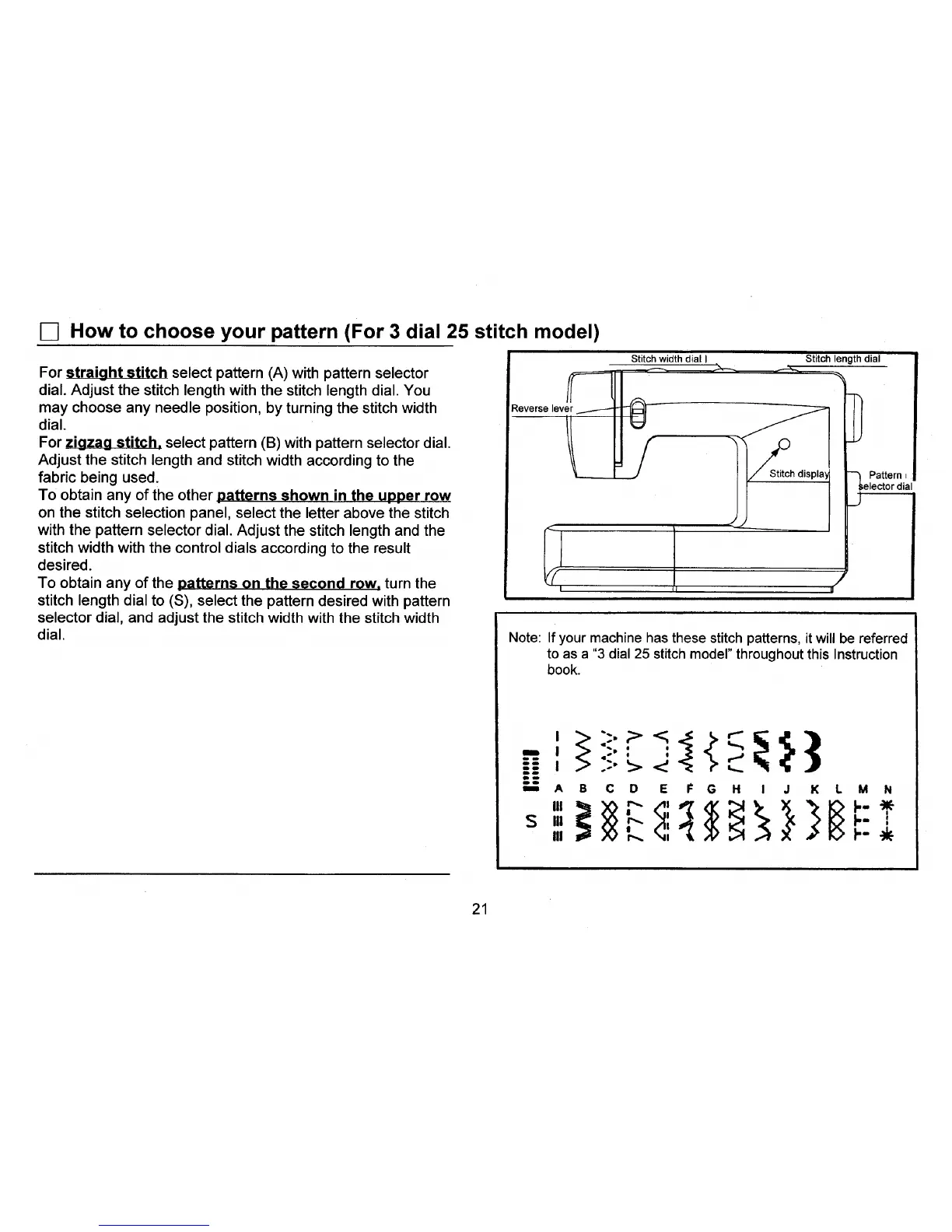
For straight stitch select pattern (A) with pattern selector
dial. Adjust the stitch length with the stitch length dial. You
may choose any needle position, by turning the stitch width
dial.
For zigzag stitch, select pattern (B) with pattern selector dial.
Adjust the stitch length and stitch width according to the
fabric being used.
To obtain any of the other patterns shown in the upper row
on the stitch selection panel, select the letter above the stitch
with the pattern selector dial. Adjust the stitch length and the
stitch width with the control dials according to the result
desired.
To obtain any of the patterns on the second row, turn the
stitch length dial to (S), select the pattern desired with pattern
selector dial, and adjust the stitch width with the stitch width
dial.
Reverse lever
Stitch widthdial I
/
_Stitch displa1
Stitch lengthdial
_} Pattern r
elector dial
J
II
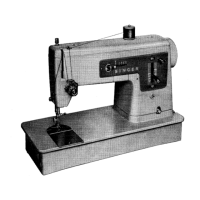
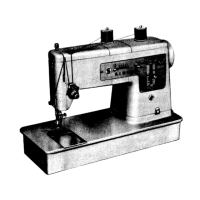
Note: If your machine has these stitch patterns, it will be referred
to as a "3 dial 25 stitch model" throughout this Instruction
book.
Ibm
A D E N
21


 To Next Page