Sinterit LISA PRO User Manual | 45
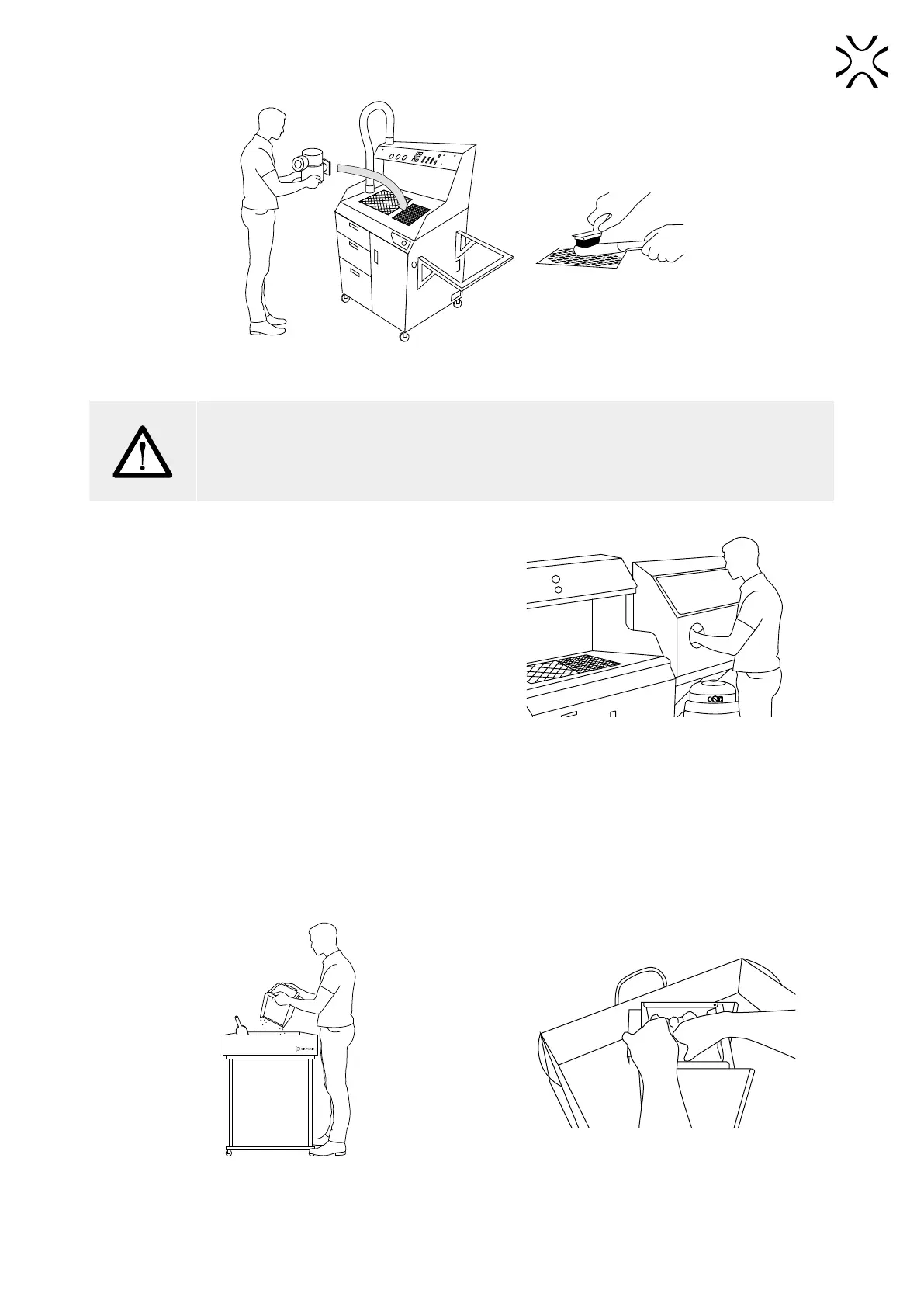
Place the printout over the Fine Dust Chamber grid and clean thoroughly.
ATTENTION!
Do not pour the powder from Overow Bin into the Fine Dusting Powder Chamber! When the
machine is in operation, this chamber must always have access to air for the entire system to
function properly. I is allowed to clean the prints above it.
9. Place the pre-cleaned printouts in the sandblaster (if you
have one) and clean thoroughly with compressed air.
10. After this operation, the printout is cleaned and ready to
use.
The sandblaster allows for quick and thorough
cleaning of printouts from the powder remains.
B. CLEANING OF THE PRINTOUTS WITH DEDICATED TOOLS
1. Gently pour the contents of the Print Bed from the IO Box onto the Foldable Tray.
2. Clean the IO Box using a brush and put it back on the place.
Transfer the contents of the Print Bed
to the Foldable Tray.
If the cake with the printout is cooled,
you can pre-crush it in the IO BOX.



 To Next Page