Sinterit LISA PRO User Manual | 40
C. CLEANING THE PRINTER IN MANUAL OPTION
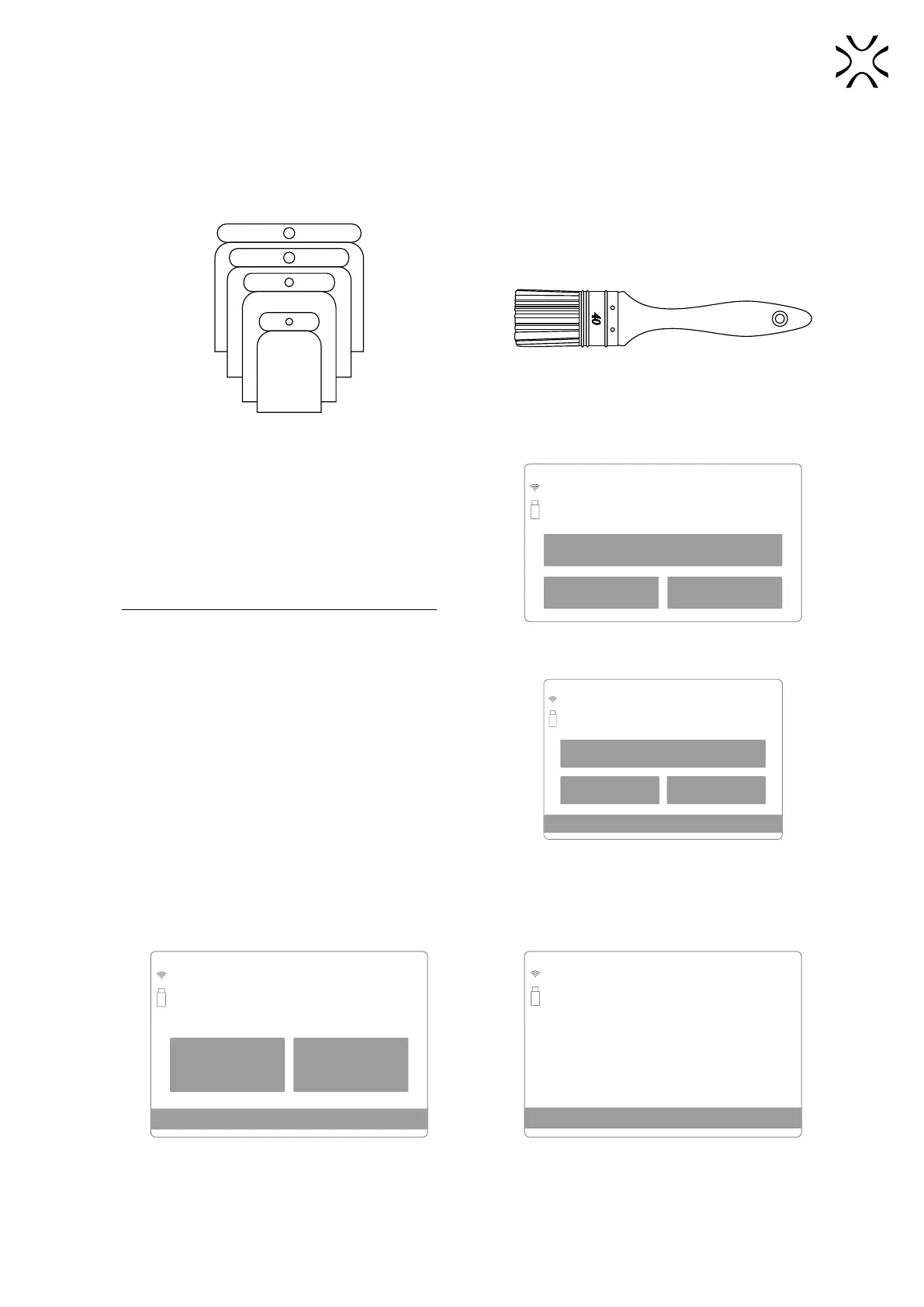
Manual cleaning is a longer process in which you will need Dedicated Powder Tools (especially Set of Scrapers and
Brush).
You will need:
the set of Scrapers a Brush
1. When you press the MANUAL option on the screen,
a dedicated cleaning process will start. This is the
dedicated process in case you do not have the Sinterit
Cleaning System or PHS. This is a longer process.
Read all messages on the printer screens carefully!
BACK MANUAL
SINTERIT ATEX VACUUM CLEANER
Cleaning the printer
Do you want to use Vacuum Cleaner or
clean the printer using manual procedure?
Screen to choose the method of cleaning the printer:
manual or with ATEX vacuum cleaner.
2. Press CLEAN FEED BED on the screen.
• If the Feed Bed is clean you can skip this step by pressing
FEED BED ALREADY CLEANED.
BACK CLEAN FEED BED
FEED BED ALREADY CLEANED
CLEANING STEP 4/9
Cleaning the Feed Bed
You can skip this step if the Feed Bed
is clean
Screen initiating the cleaning process
of the Feed Bed.
3. Check that the way of the Recoater is not obstructed and press the DONE button.
4. The positioning of the Recoater and the Beds will start. After this operation, the Print Bed will go down maximum,
the Feed Bed will move up and the Recoater should be on the Overow Bin side.
BACK DONE
CLEANING STEP 6/8
Cleaning the Feed Bed
Make sure that the way of the recoater
is not obstructed
Print bed
•
Feed bed
•
Recoater
•
CLEANING STEP 4/8
Please wait while
Recoater and Beds get positioned...
Positioning...
Check the Recoater’s path. Beds and Recoater’s positioning screen.



 To Next Page