Sinterit LISA PRO User Manual | 52
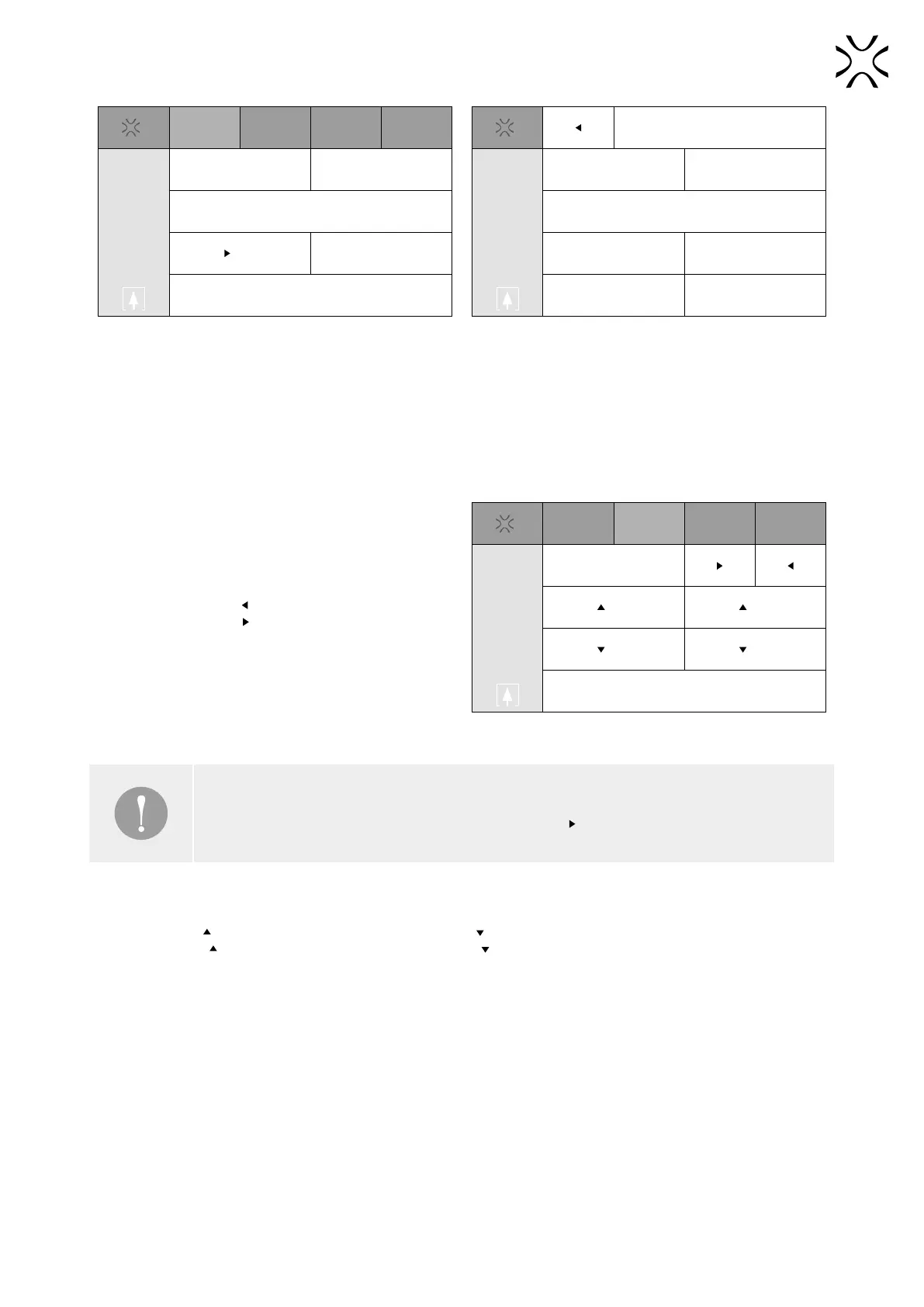
Print Mechanics Temp. Advanced
Load Model Unlock Lid/Overow
Start
Waiting to start
The PRINT panel.
Uploaded Models
Recent Models
Load from USB
The LOAD MODEL panel.
After uploading the le, you will be able to automatically position the Feed Bed. You can skip this option if you want to
adjust it’s level yourself.
• UNLOCK LID / OVERFLOW - this button releases the electrolock of the printer Lid and/or Overow Bin for 10 seconds.
Only after pressing this button is it possible to open the printer lid or remove the Overow Bin,
• START - this button will start the printing process. It will be available to choose when the le is loaded.
4. Mechanics - this tab allows you to change the height of feed bed, print bed and position of recoater.
• RECOATER - press
to move the recoater all the way
to the left or press to move the recoater all the way
to the right,
Print Mechanics Temp. Advanced
Recoater
Feed Print
Feed Print
Start Leveling
The MECHANICS panel.
IMPORTANT!
Before you can move the Recoater freely, you have to press
which will allow homing of the recoater.
• FEED - press
to raise the Feed Bed by one step or press to lower the Feed Bed by one step,
• PRINT - press to raise the Print Bed by one step or press to lower the Print Bed by one step,
• START LEVELING - press this button to start the process of leveling the powder surface with the recoater.



 To Next Page