Sinterit LISA PRO User Manual | 56
7. After cleaning the Print Chamber in the highest position, it
is necessary to repeat the operation in the lowest position
of the BEDs (the whole height of the BEDs must be cleaned
of powder).
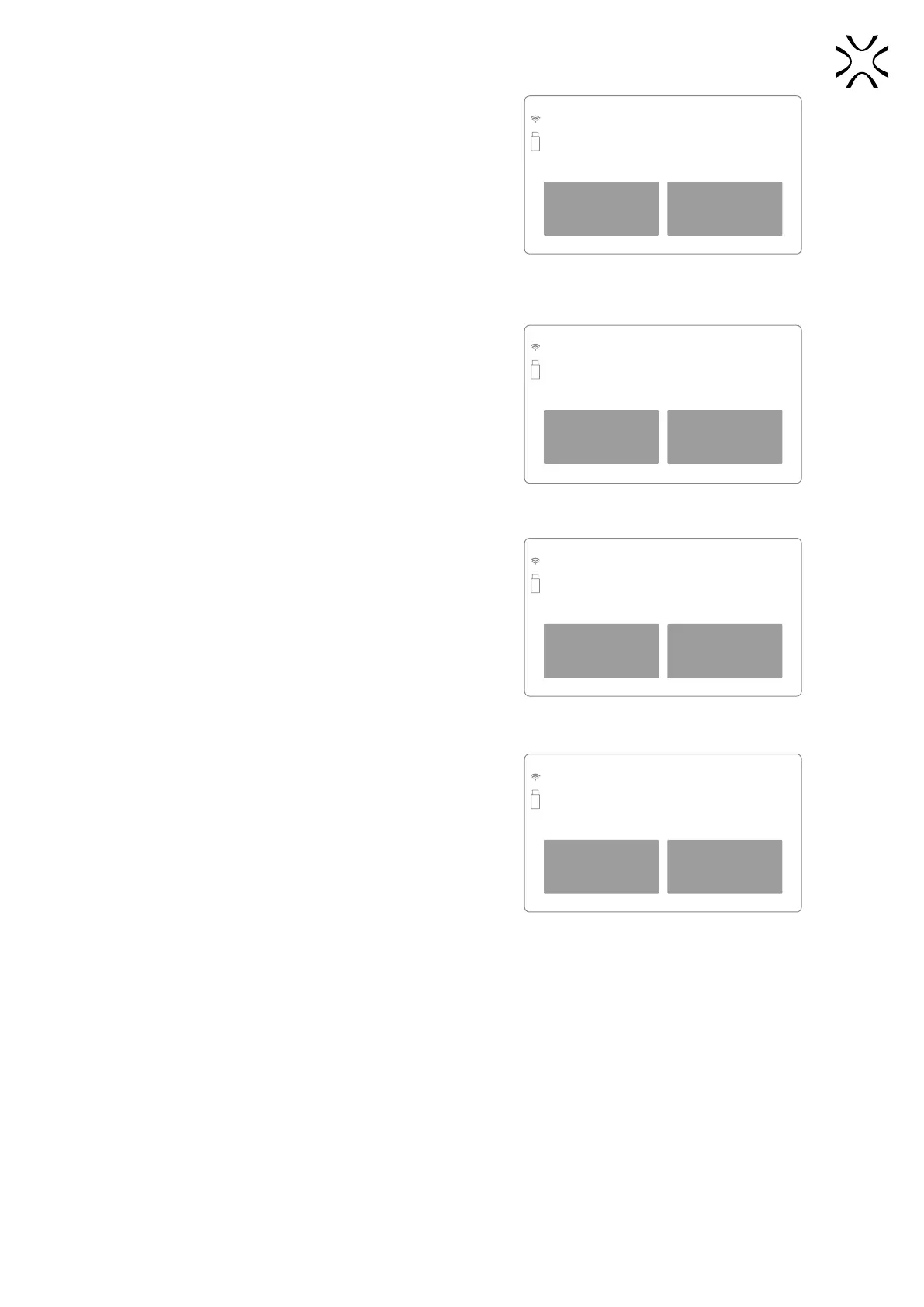
When pressing the DONE button, the positioning of the
BEDs and Recoater to the correct position starts.
BACK DONE
Positioning Recoater for material change
in the highest position.
Make sure that the way of the Recoater
is not obstructed
Re-check the Recoater path before lowering
the Beds.
8. The process is divided into two steps. In the rst one,
the Recoater is set up over Feed Bed. This allows it to be
cleaned from underneath without having to remove the
cover. Pay special attention to the Recoater rotary shaft
and bearing system.
We recommend using Sinterit ATEX Vacuum Cleaner or
compressed air.
BACK DONE
Clean the Recoater Roller and Linear
bearing area from any residue powder
(you can use compressed air)
Clean all elements of the Recoater.
9. After cleaning the Recoater and pressing the DONE button,
the positioning of the Recoater will start and the second
cleaning step will start in the lowest position.
BACK DONE
Positioning Recoater for material change
int the lowest position.
Make sure that the way of the Recoater
is not obstructed.
Clean the Print Chamber thoroughly
after lowering the Beds.
10. Once the Recoater is positioned between the BEDs, you can
thoroughly clean the walls of the BEDs and the entire Print
Chamber. We suggest using Sinterit ATEX Vacuum Cleaner
with a PVC brush or compressed air (be careful that the
powder does not rise into the air).
11. After all the steps are completed, press the DONE button.
Your machine is clean and ready to print with new powder.
BACK DONE
Clean Print Chamber. Feed and Print Bed in the
lowest position from any
residue powder.
When all steps are done, the printer is ready
for the new powder.



 To Next Page