Sinterit Lisa printer SHORTENED USER GUIDE | 15
14. Remove the powder from the OVERFLOW BIN
the last time. (Remember about OVERFLOW BIN’s
locking bolt).
15. Transfer it to the container in which you will mix
the unsintered powder from the printer, with the
Fresh Powder (to refresh the used powder and
prepare it for the next print).
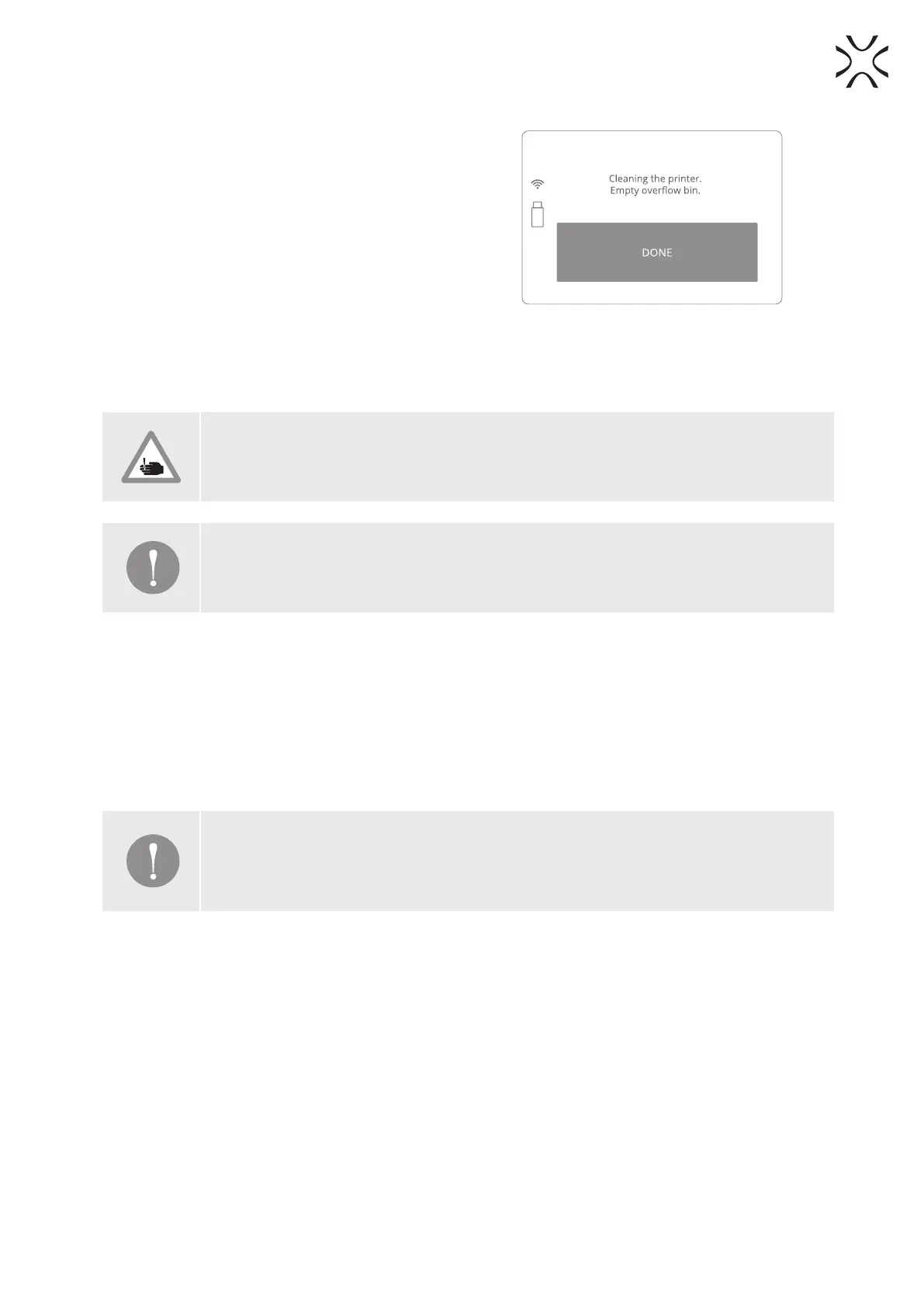
16. Place the OVERFLOW BIN back in its place and
press “DONE” (Image 48).
17. Check if all elements are at their default positions
(RECOATER, Laser system). Check the tension and
condition of the RECOATER cables and close the
Lid.
Image 48. Clean OVERFLOW BIN screen.
LISA PRINTER IS CLEAN AND READY FOR THE NEXT PRINT. ENJOY!!!
CAUTION!
Beware of sharp edges.
IMPORTANT!
If you will touch Short Infrared heater by your hand, remove it, clean and install one more
time, using gloves or a clean cloth.
7. Technical support
The latest information, technical support and versions of the manual are available by contacting us through:
• email: https://www.sinterit.com/support-page
• phone: +48 570 702 886
The list of distributors and technical support in specic countries can be found at www.sinterit.com/contact
IMPORTANT!
More information, f.ex. about working with powders etc. you will nd in the full version of
Sinterit LISA User Manual. We strongly recommend reading this full version before taking the
action.



 To Next Page