SBOX-2300 / VBOX-3130 Manual
49
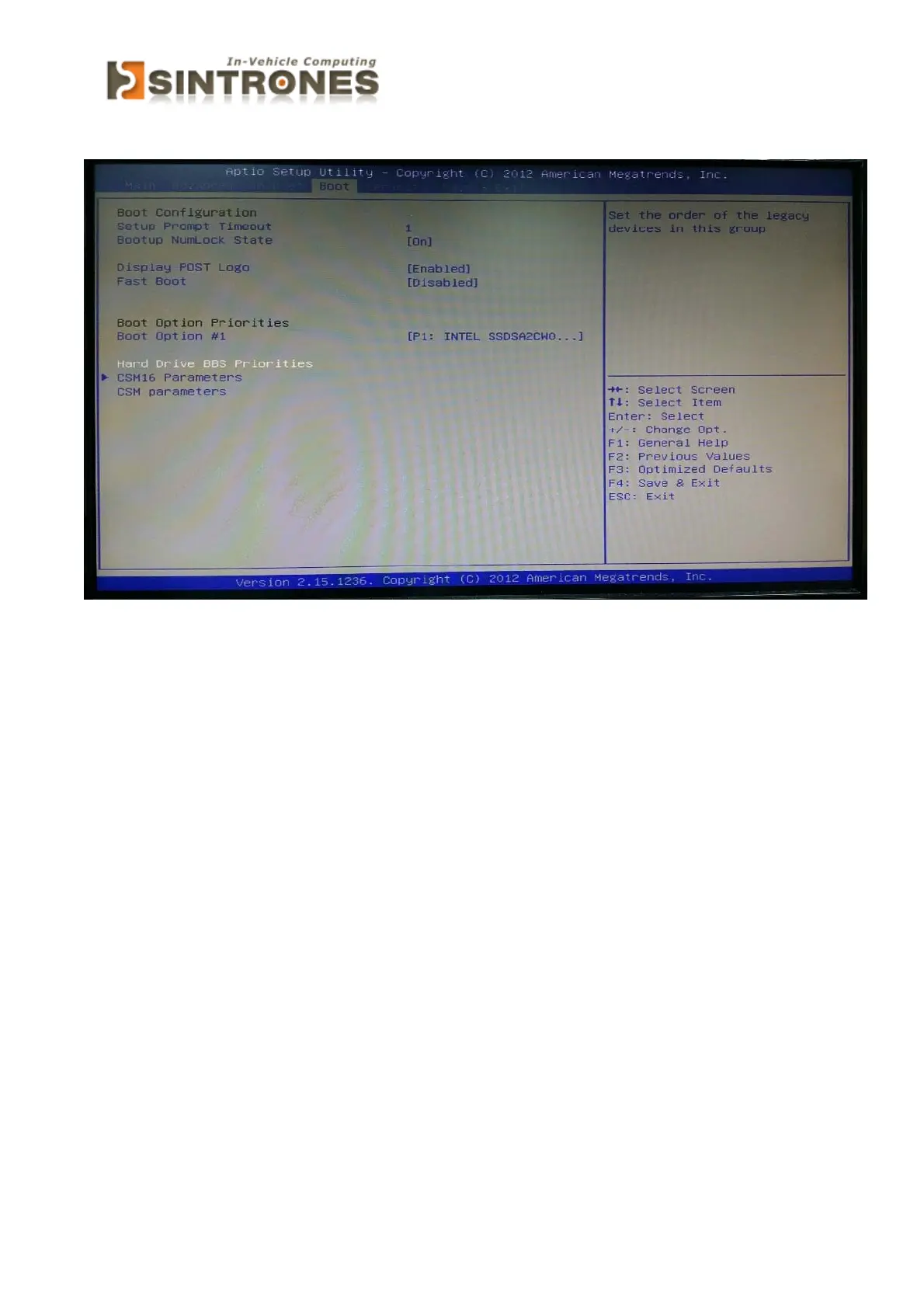
Boot
» 1st/2nd/3rd Boot Device
The items allow you to set the sequence of boot devices where BIOS
attempts to load the disk operating system.
» Try Other Boot Devices
Setting the option to [Enabled] allows the system to try to boot from other
device if the system fail to boot from the 1st/2nd/3rd boot device.



 To Next Page