SBOX-2300 / VBOX-3130 Manual
38
can use the control keys to enter values and move from field to field within a
sub-menu. If you want to return to the main menu, just press the <Esc >.
GeneralHelp<F1>
The BIOS setup program provides a General Help screen. You can call up this
screen from any menu by simply pressing <F1>. The Help screen lists the
appropriate keys to use and the possible selections for the highlighted item.
Press <Esc> to exit the Help screen.
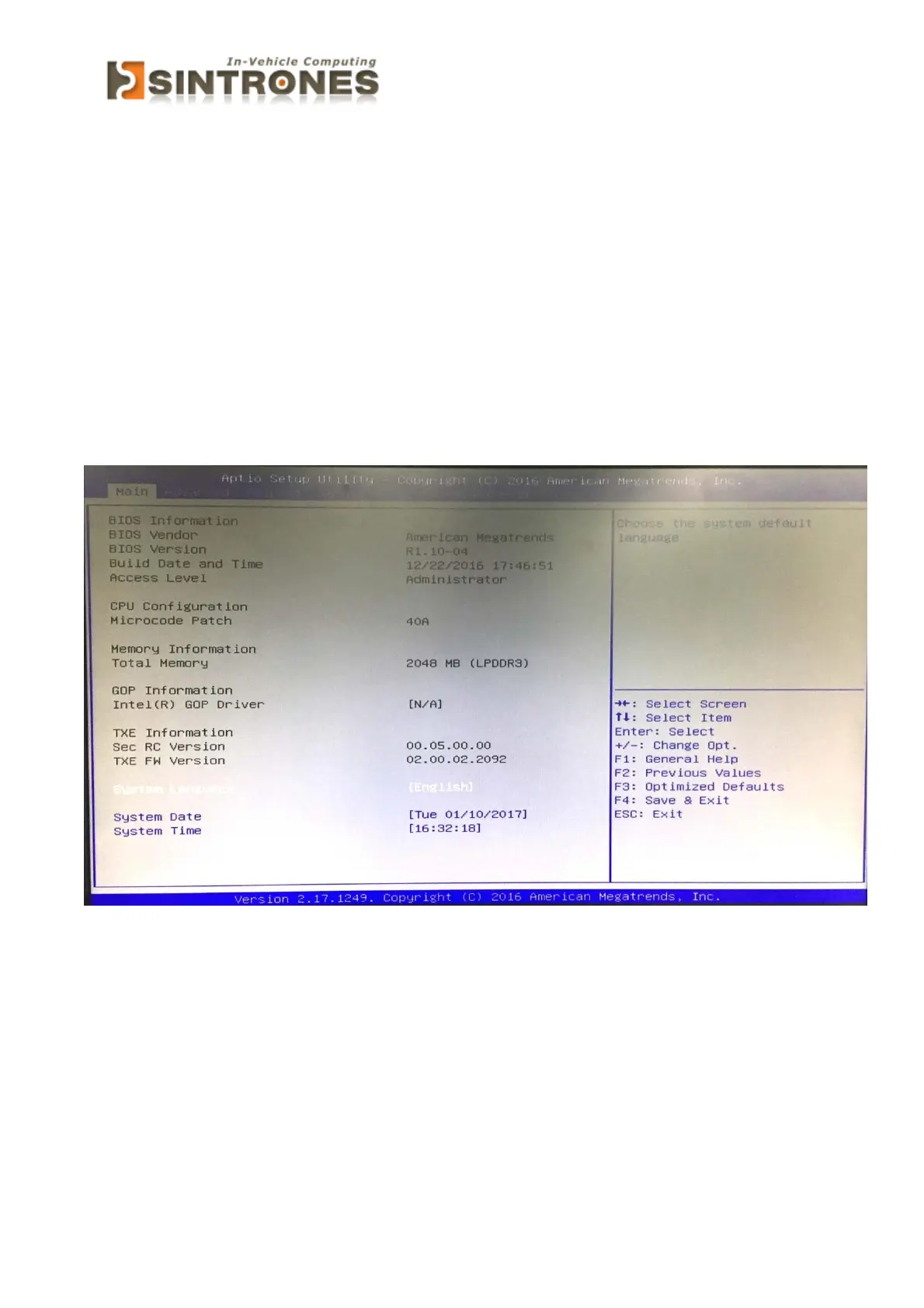
Main
» System Date
This setting allows you to set the system Date. The time format is <Day>
<Month> <Date> <Year>.
» System Time
This setting allows you to set the system time. The time format is <Hour>
<Minute> <Second>.



 To Next Page