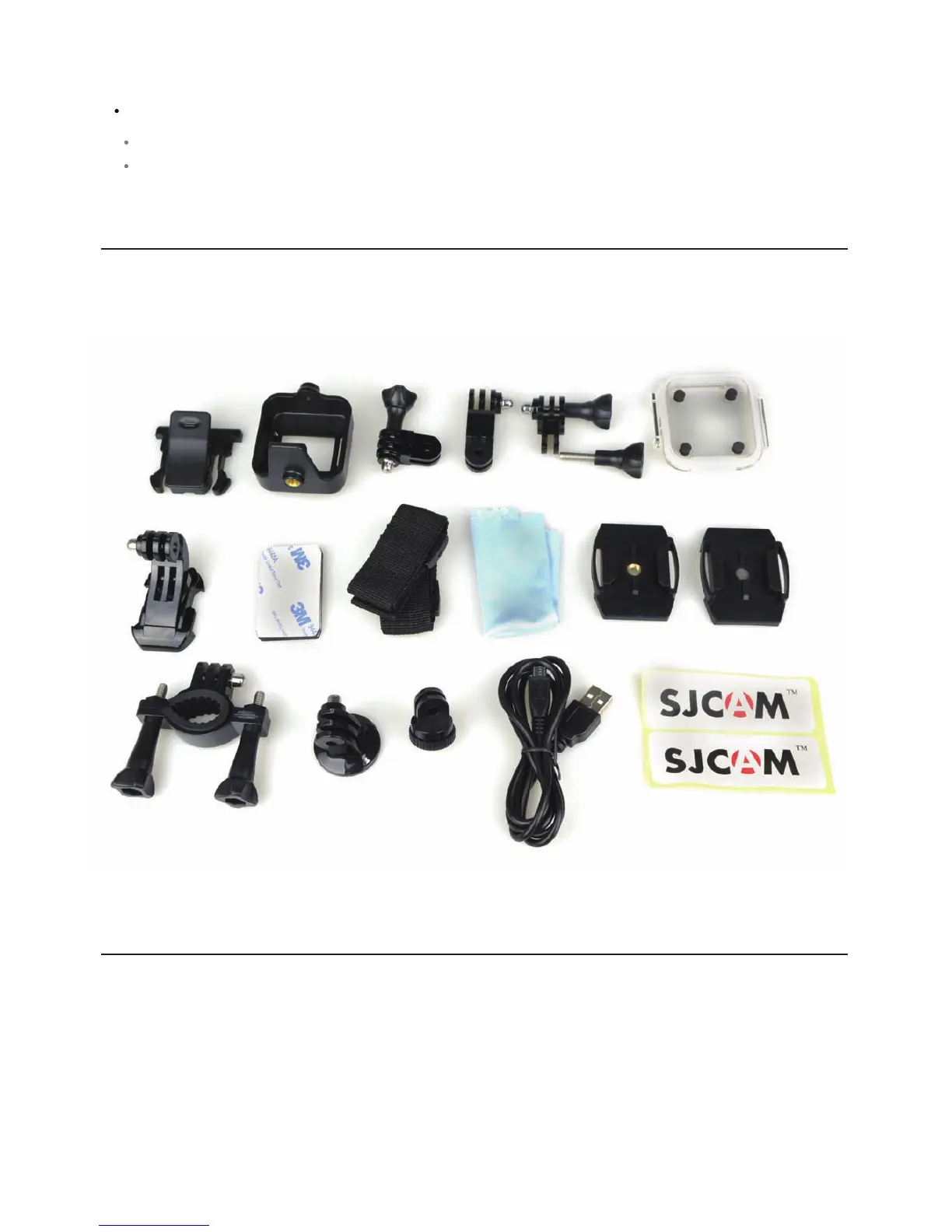
OPTIONAL ACCESSORIES
TAKING CARE OF YOUR M10
Setup 9/9
Default Seng – Reset the camera to factory sengs.
Version – Display the firmware version.
Note: Some of the accessories are a part of the M10 bundle. More accessories can be found on our
web site: hps://www.sjcamhd.com/shop/
Please have in mind that your camera is a high-precision, sensive product, so avoid dropping it on
solid surfaces, crushing, or disassembling it.
Do not expose the unit to strong magnec fields, such as large magnets or electrical motors. Strong
magnec fields may cause the camera to fail or damage the recorded content.
Never leave the products exposed to high temperatures and direct sunlight.
Please choose a brand name memory card, preferably with a CLASS 10 rang, in order to have beer
performance and reliability. “No name” memory cards may fail to operate normally.



 To Next Page