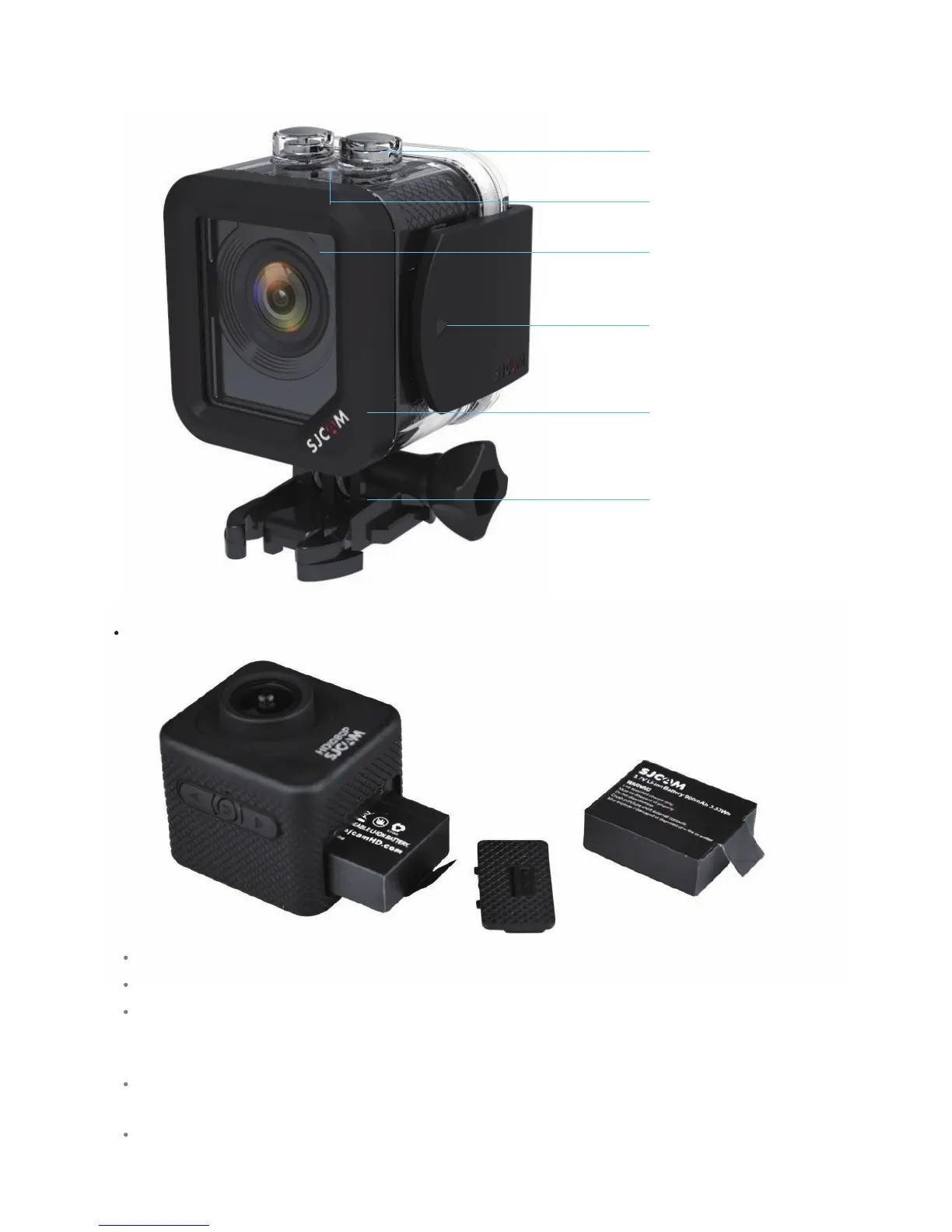
Baery operaons
Pull the baery cover latch to open the cover.
Gently remove the baery from the camera body.
Once charged, open the baery cover and insert the baery. Be careful not to touch the exposed +/-
poles, and to insert the baery properly.
Press and hold the power buon 3-5 seconds to power up or shut down the camera.
Charge the baery using only the provided baery charger, or by connecng it to a computer with a
USB cable. You can also charge the baery using a car charger. It takes about 3 to 3-1/2 hours to fully
charge a depleted baery.
Power/Mode Buon
Status Light
Lens protecon
Waterproof case lock switch
Waterproof case
Mount accessory



 To Next Page