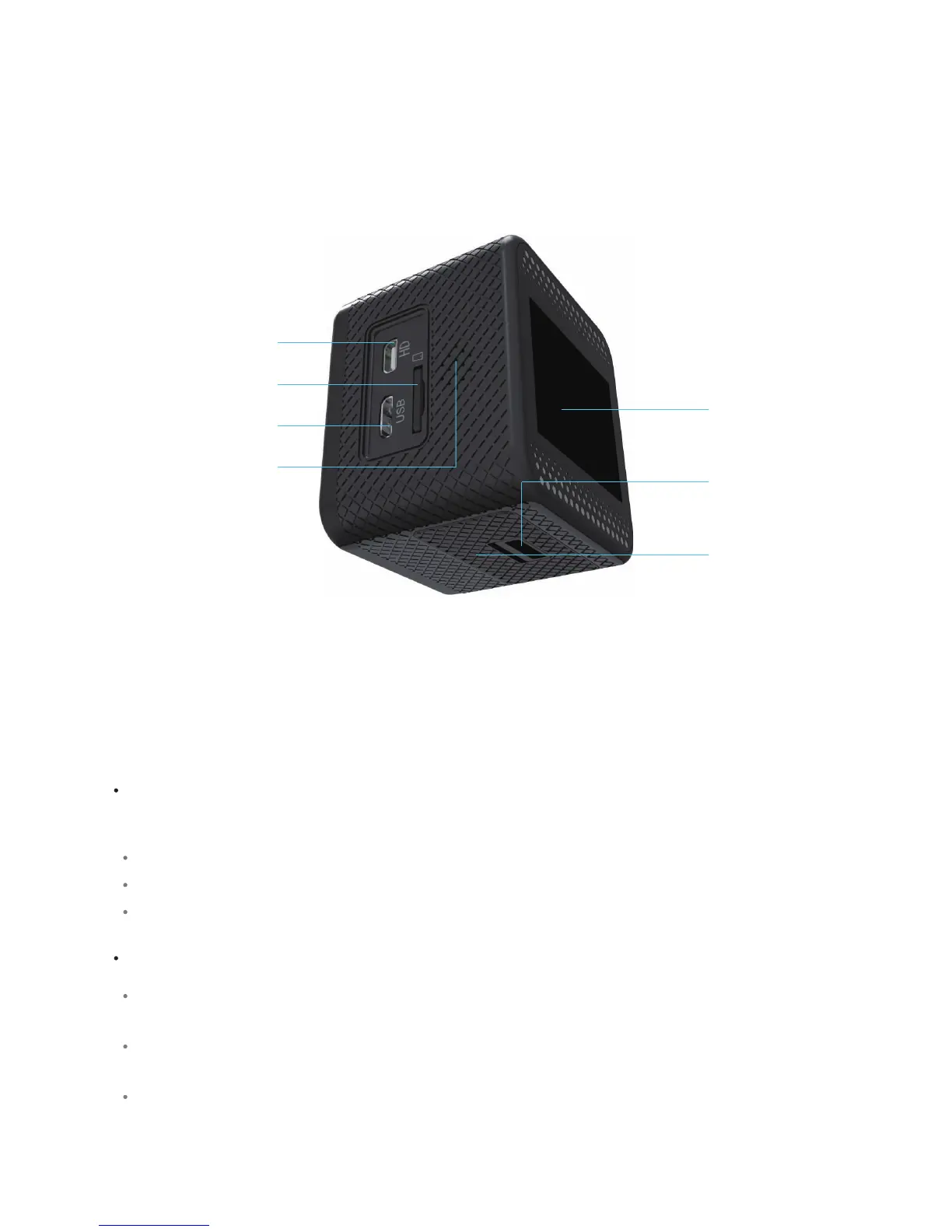
External Lights
Buons
Baery cover
Baer cover latch
1.5’’ LCD Screen
Mini USB Connector
Mini HDMI Connector
MicroSD Card slot
Speaker
The following lights indicate the operaon described and can occur in several combinaons.
Blue light on: the camera is on.
Red light on: the camera is connected to a charger.
Blue light flashing: the camera is capturing video.
Power/Mode: Press and release to turn on the camera. Press and release to change modes. Press
and hold to turn off the camera.
Shuer/Select: Press to start or stop recording videos, take pictures, select menu items, or control
video playback.
Up and Down: Press and release to navigate through menus and change leers and numbers in
Setup. Press and hold to advance through several menu items in Setup. Press and hold to zoom in or
out in Record or Camera modes. Press and release to fast forward or rewind videos du ring Playback.



 To Next Page