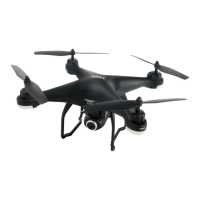
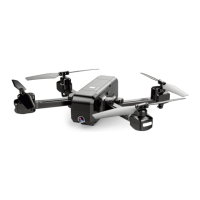
When the Follow Me function activated, the drone will follow the GPS in your
smart phone to follow you wherever you go.
(Make sure the smart phone connect with the aircraft successfully, turn on
APP on your smart phone.)
1. Make sure the aircraft flies 3 meters away ,30 meters height position.
2. Click on the APP interface.
3. Waiting for APP Drone Status to display “Follow Me ready”--- the aircraft
will follow the phone’s coordinates.
4. Click the on the APP interface again to exit the Follow Me mode.
1. TAKE-OFF/LANDING/EMERGENCY STOP
Rotating propellers can be dangerous. DO NOT start the motors when
there are people nearby.
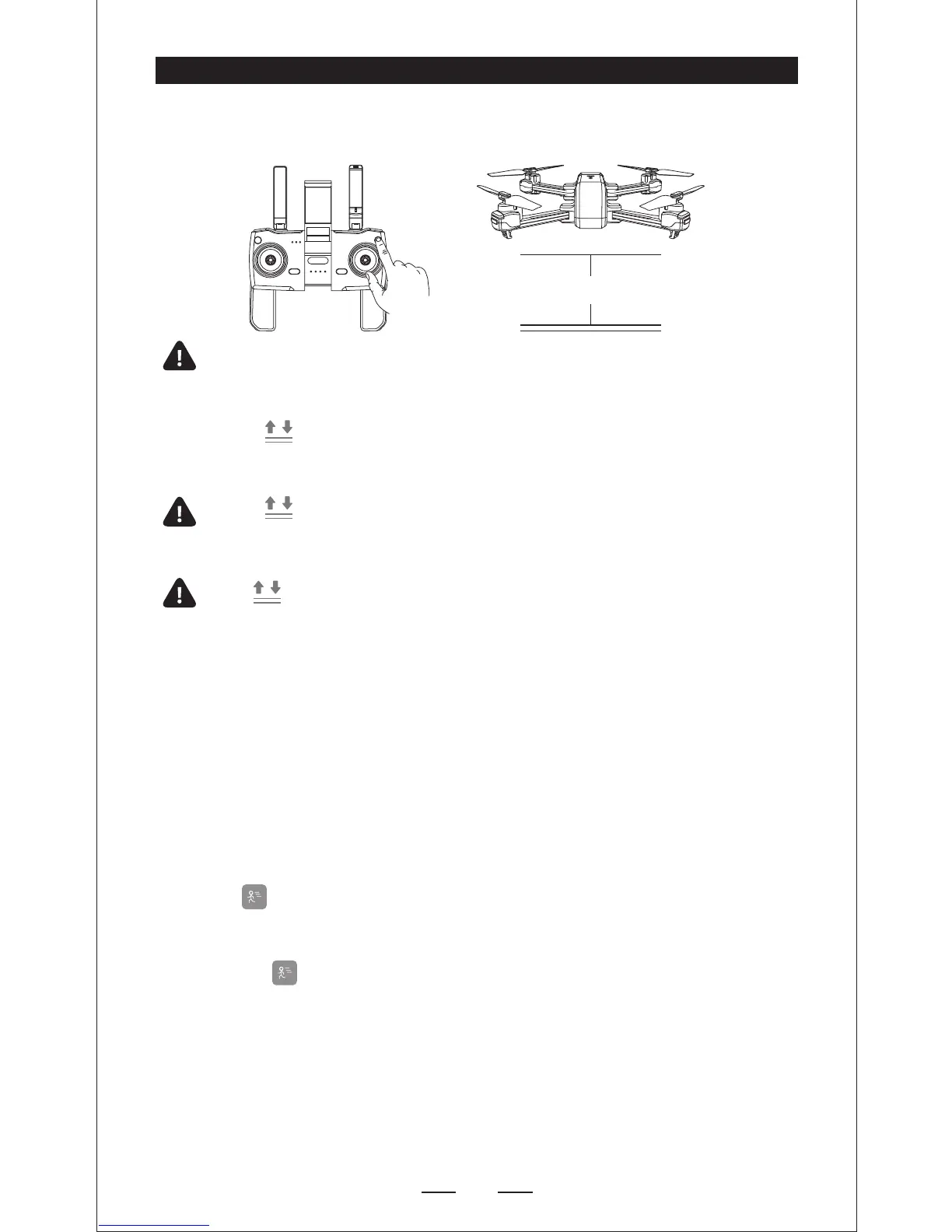
Press , the propellers will spin and the drone will take off at an
altitude of about 5 feet.
(Always keep the head of drone facing forward).
Press , the drone will land automatically. Remember to always
keep your hands on the transmitter as long as the motor is still pinning.
Only stop motors mid-flight in emergency when doing so can reduce
the risk of damage or injury.
Hold 3 secs for EMERGENCY STOP.
2. FOLLOW-ME
Common lssues:
Follow Me mode would be hardly activated If phone’s GPS signal is too weak,
This could be due to the signal loss from surrounding buildings, trees, or
congestion from too many mobile phones in the area.
* Use in open area and be mindful of your surroundings. Drone is NOT equipped with
obstacle avoidance.


 To Next Page