4. Menu System
The Skip-Line color LCD menu system is simple and intuitive, yet more capable
than older skip timer menu systems.
There are two navigation options—joystick and pushbutton. Either input type is
equivalent, and will be referenced with the same functions throughout this
section.
4.1 General Navigation
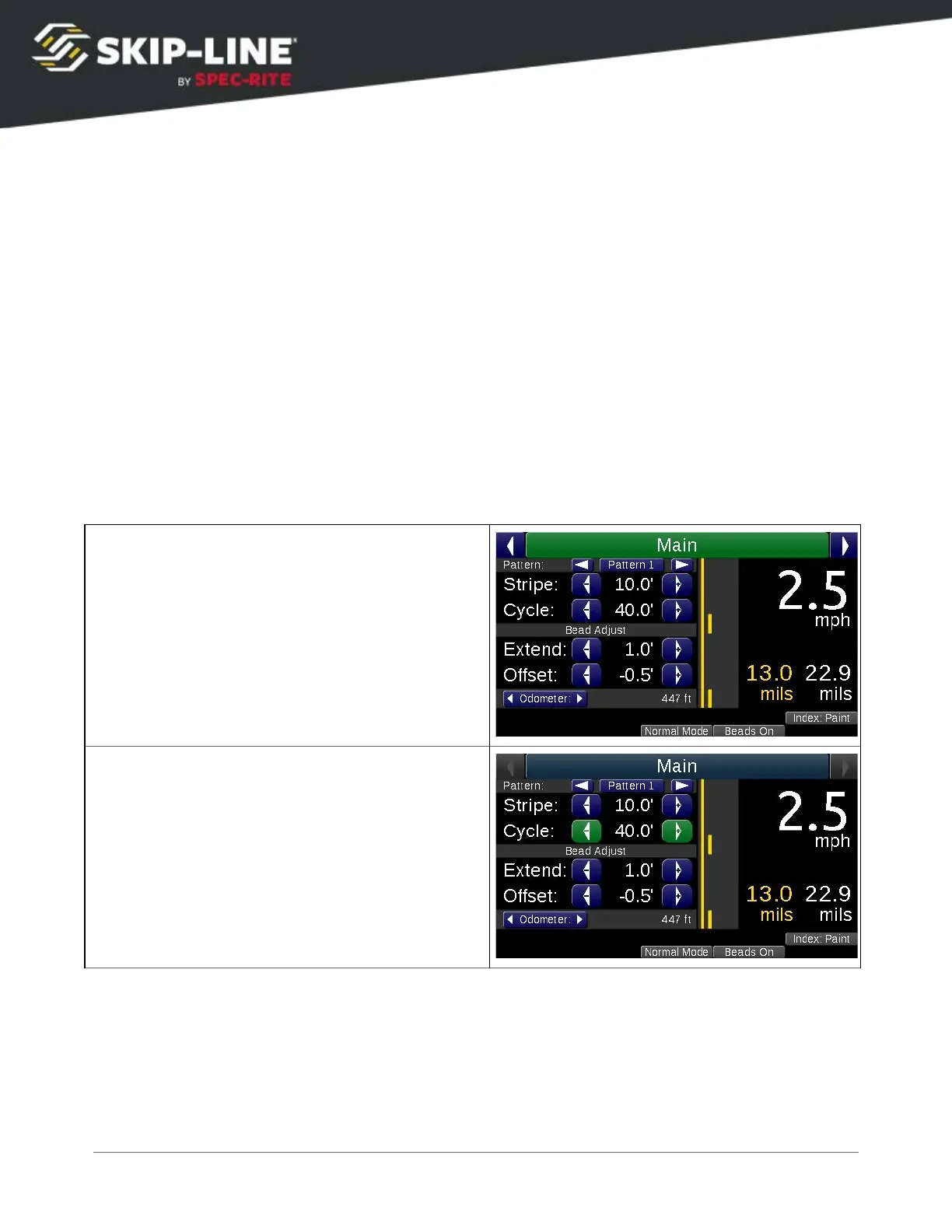
There are four navigational buttons (or directions, in the case of menus with the
joystick navigation option), which behave differently between two different
contexts—Menu Bar
and Action Screen
.
The “cursor
” indicates the current navigation location.



 To Next Page