Skip-Watch: The start switch is on, and the paint guns are in the skip portion
of the pattern (as opposed to the gap).
USB Drive Attached: A USB drive is attached to the skip timer. Typically, USB
drives should not be left attached after the counter channel export process
is complete.
4.2.6 Information System
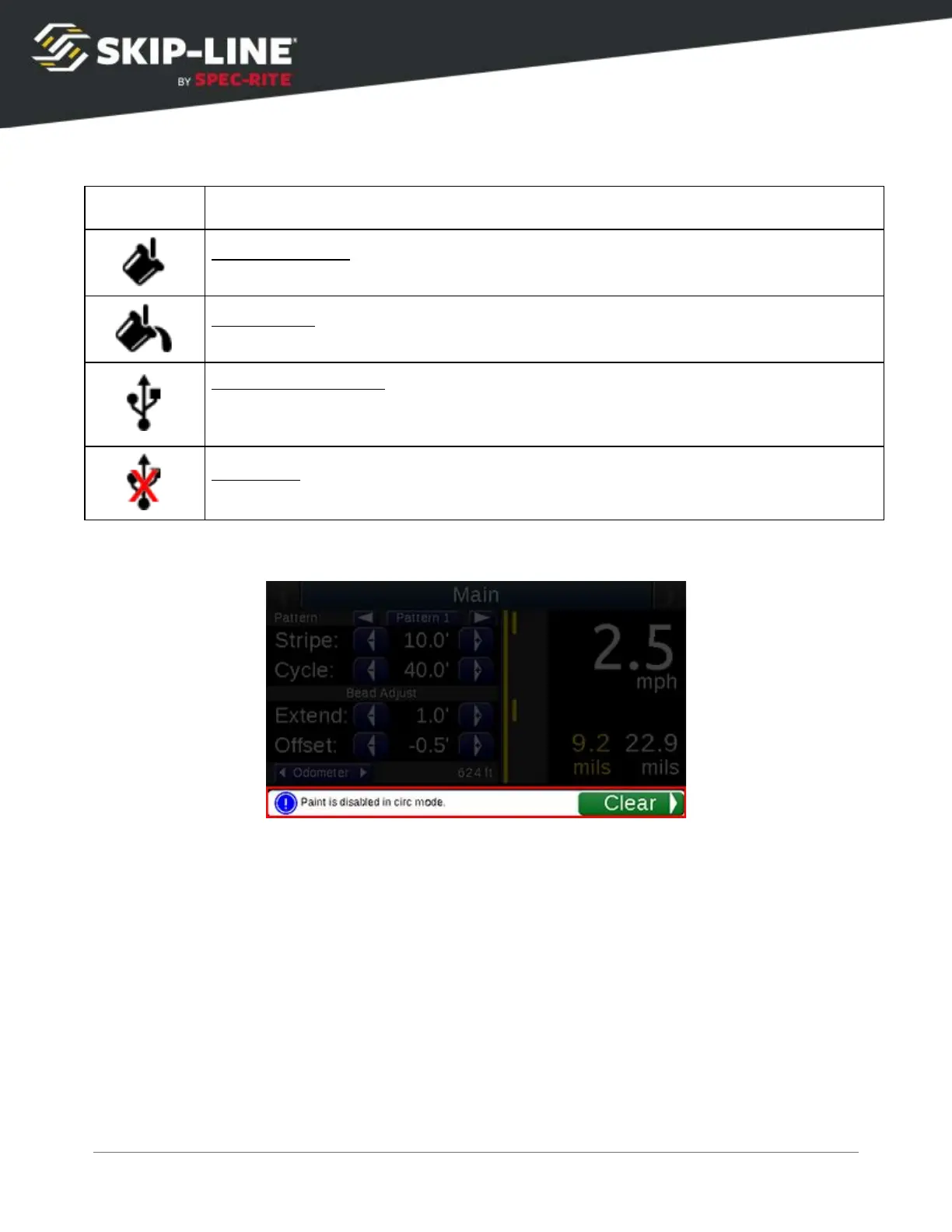
The menu provides a descriptive alert system
to assist with understanding
current activity, warnings, and critical errors that need attention. The
Information System
messages cover the status indicator area.
To view status and feature indicators again, clear the message. These messages
can be cleared by scrolling the Cursor down to the Clear
command button on the
message. Most messages will disappear if the related error condition is no longer
detected.
Information messages assist the operator in understanding certain behaviors or
conditions that may be intentional, but could be confusing or interpreted as
incorrect behavior due to setting configurations (the three levels of Information
Messages are info
, warning
, error
).
Warning
and Error Messages
will automatically disappear after the problem is
SC-12 Road Marking Control System - Installation and Operation Manual
24



 To Next Page