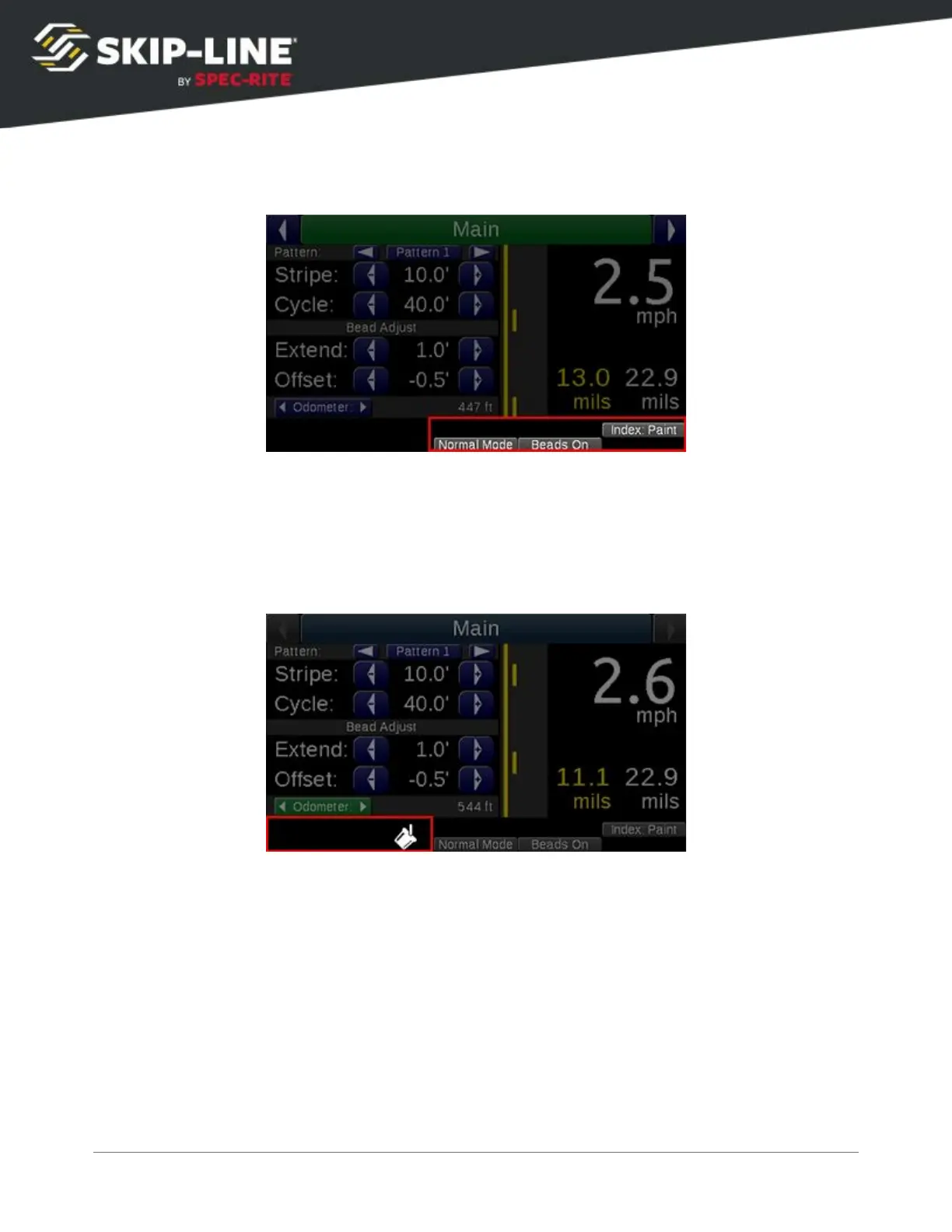
4.2.4 Feature Status Indicators
Many features can change the painted pattern. To help avoid confusion, when a
setting causes a pattern change and is not indicated on the Pattern Preview, it is
accounted for in the Feature Status Indicators
. Refer to the manual section for
each feature to understand these messages.
4.2.5 Status Indicators
There are several system status indicators
that help show what is currently
detected by or occurring on the skip timer.
SC-12 Road Marking Control System - Installation and Operation Manual
23



 To Next Page