4.1.3 Action Screen Navigation
Pressing from a menu enters the Action Screen
associated with the menu.
While the Cursor is on an Action Screen, the navigation buttons have the
following behaviors:
: Increase the value of the currently selected parameter. If the Cursor is on a
command button, that will “
click
” the command button.
: Decrease the value of the currently selected parameter.
: Navigate up. If the Cursor is on the uppermost parameter, navigating up will exit
the current Action Screen. Pressing and holding this will also exit the current Action Screen,
regardless of where the Cursor is.
: Navigate down to the next parameter on the current Action Screen.
Note: Most parameters are immediately affected when altered on an Action
Screen. There is no need to do anything further to “save
” the new value.
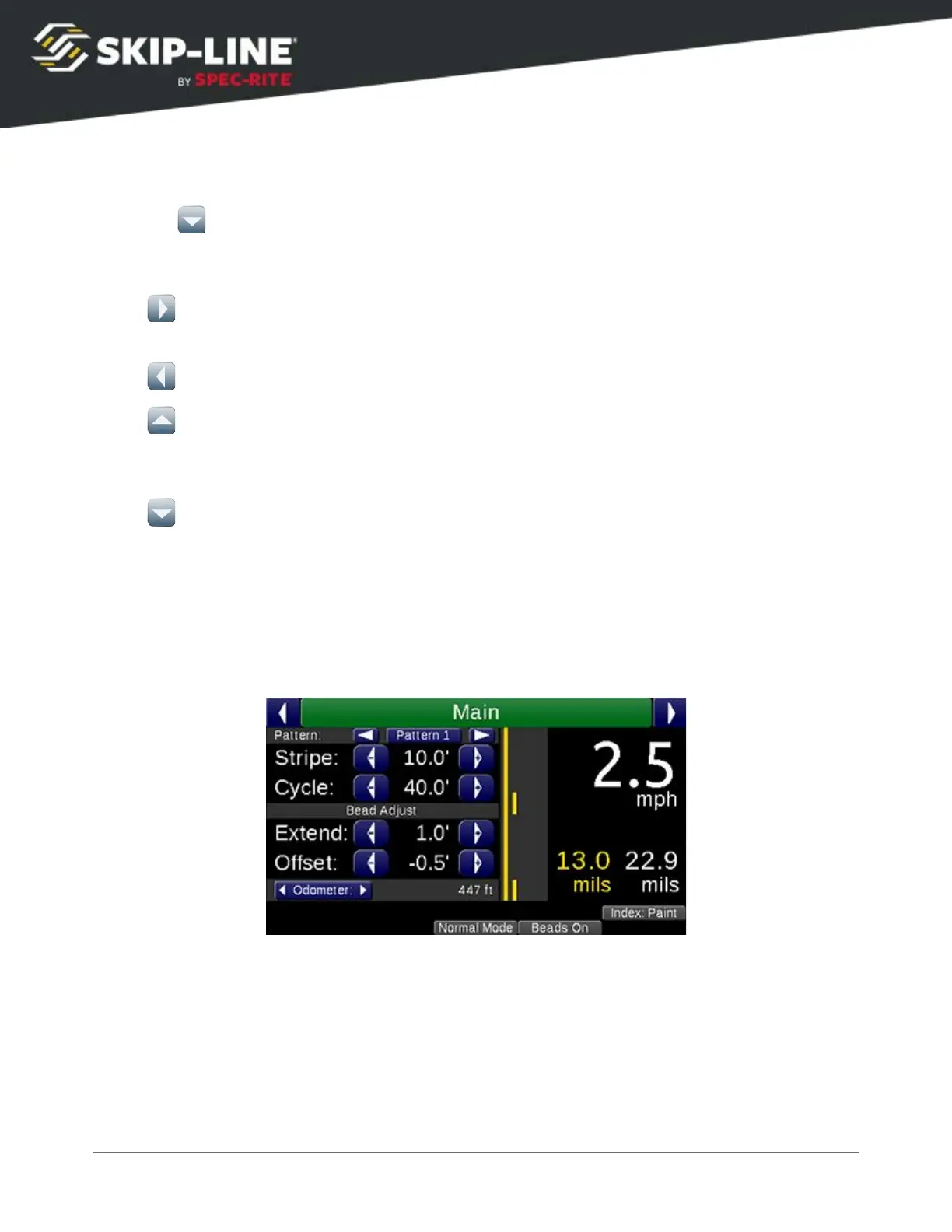
4.2 Main Screen
The main screen
is the first of the top-level menus, which provide fast access to
the most important day-to-day parameters of operation.
The Main Screen is the recommended screen to use during striping operations. It
is organized into several sections.
SC-12 Road Marking Control System - Installation and Operation Manual
18



 To Next Page