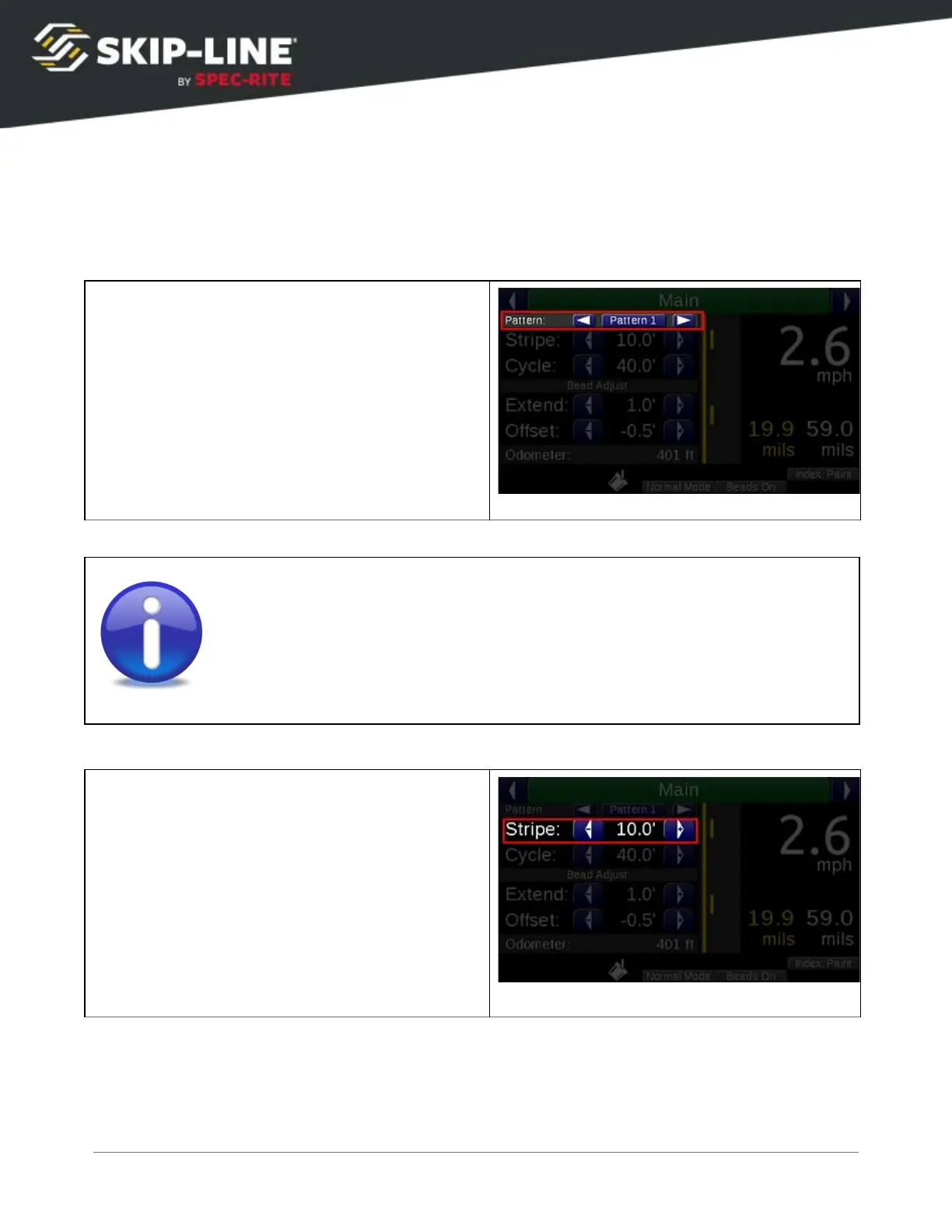
4.2.1 Main Screen Parameters
There are four parameters that can be changed from the main screen.
Pattern Selector
The
Pattern Selector
allows you to select
between three (or more) saved patterns. When
Pattern 1
is selected, any changes to Stripe and
Cycle will be memorized to Pattern 1. When
Pattern 2
is selected, the previously entered
settings for Pattern 2 will be restored. This can
be changed on-the-fly in the gap during
striping operations. The pattern will change at
the beginning of the next cycle.
The
Pattern Selector
feature was previously called
ALT CYCLE
and was
controlled with a switch on older skip timers. The functionality described
here is roughly the same.
Stripe
sets the length of the skip pattern on the
road. This is calculated from two numbers: the
distance calibration number, and the Gun
Delays.
If your stripe length on the road does not
match the entered Stripe length, correct this
error with Gun Delays.
Do not
change the stripe
from the desired length as a corrective
measure.
(See section 4.5.2,
Gun Delays
for more information on Gun Delays.
).
SC-12 Road Marking Control System - Installation and Operation Manual
19



 To Next Page