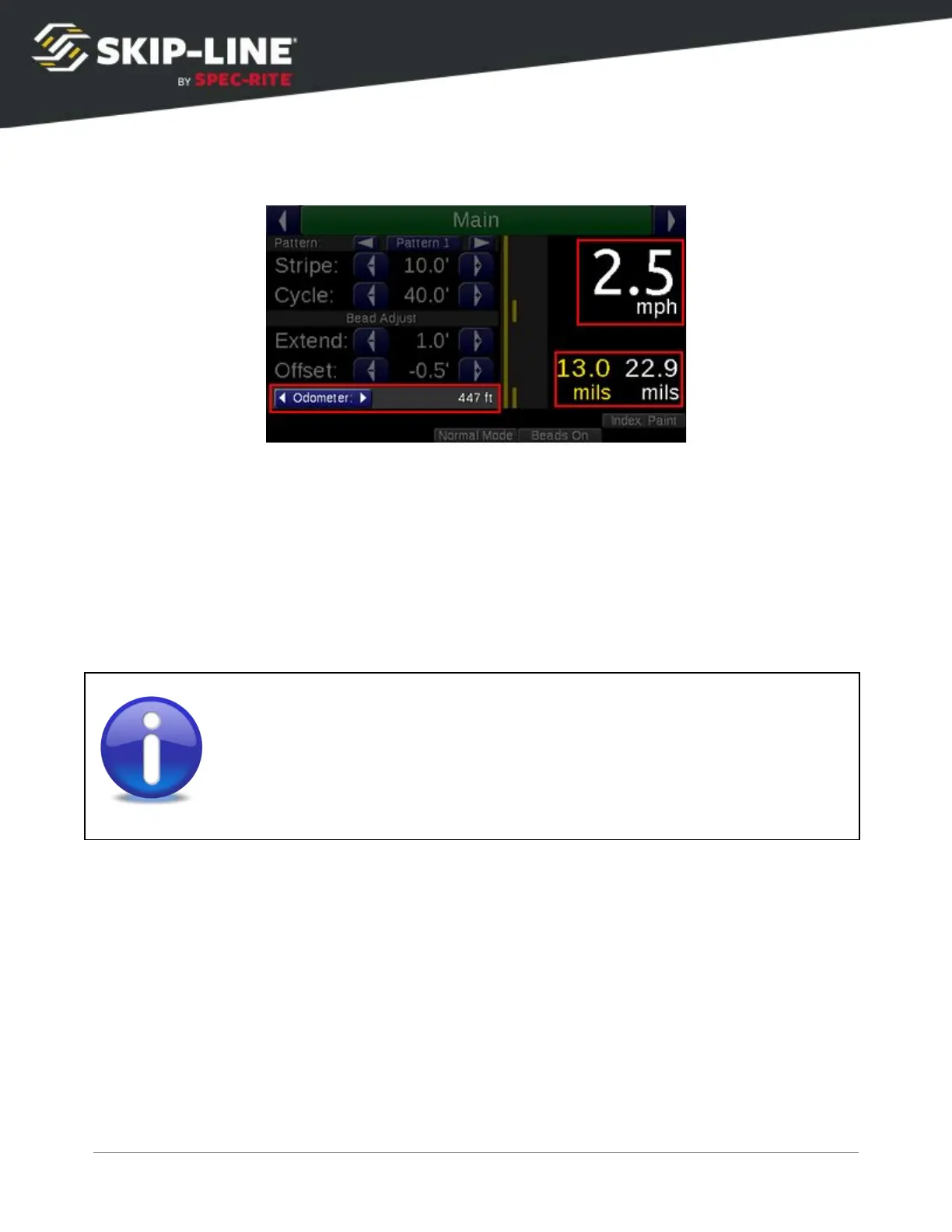
4.2.3 Rate Indicators
Speed
is shown in large, high contrast digits for easy operator viewing.
Average wet thickness calculations
are shown just below the speed. These rates
are calculated with the current counter channel values. For accuracy, ensure the
gun colors and widths are set correctly in the setup menu (see 4.5.2,
Gun
Setup
).
The odometer
shows the total distance traveled with the START
switch on,
regardless of material switch positions, since the last counter channel clear.
Note that wet thickness will not match dry thickness measurements, due to
material shrinkage. Refer to your road marking material vendor for more
information.



 To Next Page