The lighting switches on after unlocking or opening the vehicle door (depend-
ing on the lighting conditions).
The lighting switches off after around 30 seconds after closing the front door
or switching on the ignition.
Driving abroad
When driving in countries with opposing traffic system (traffic on the
left/right), your headlights may dazzle oncoming traffic. Therefore, it is neces-
sary to have the headlights adapted by a specialist garage.
The Xenon headlight can be adjusted by switching on Travel mode in Infotain-
ment in the menu
/ → →
Light
. In this mode, no automatic beam adjust-
ment is made ahead of the vehicle.
Headlight Assist (Light Assist / Dynamic Light Assist)
Introduction
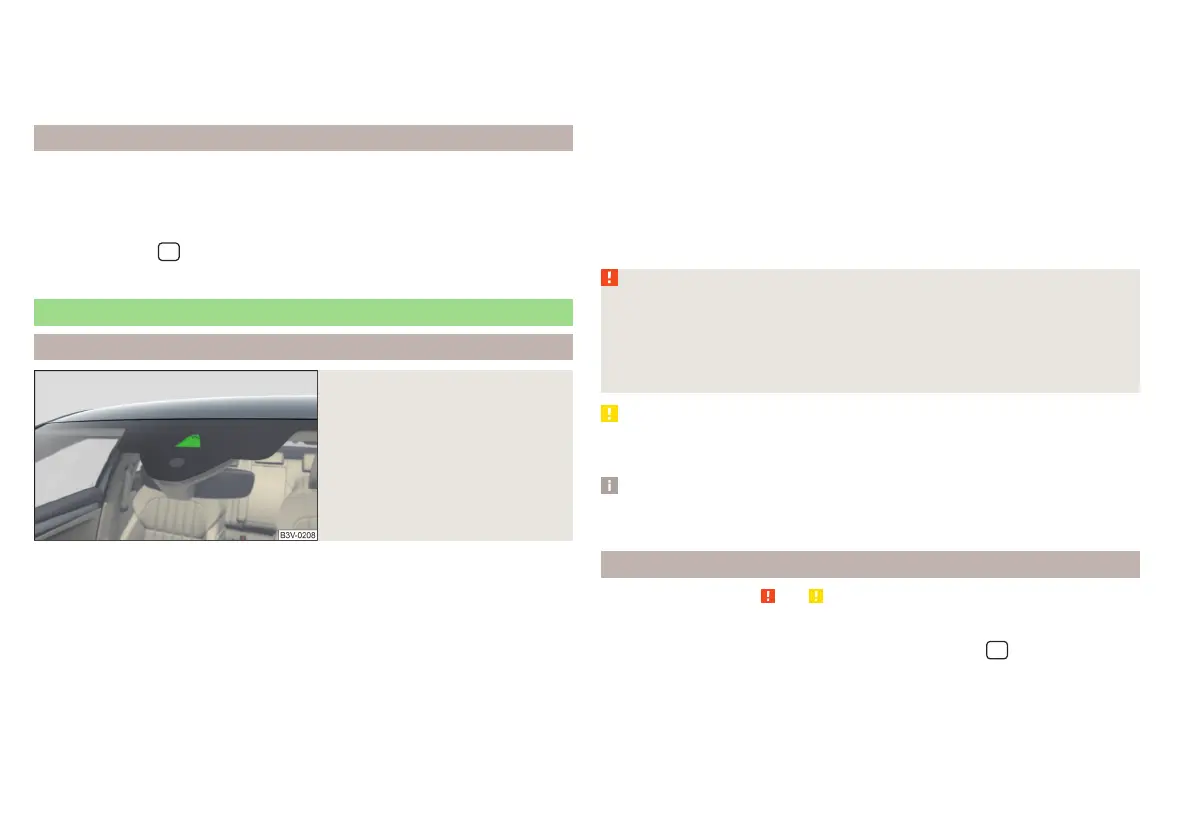
Fig. 65
Sensor window for the head-
light assistant
The headlight assistant (referred to as just system in the following) automati-
cally switches the main beam on/off, if necessary, adjusts the beam of the
front headlights in accordance with the existing traffic situation (other vehi-
cles) and environmental conditions (e.g. driving through a lit village).
The switching on/off of the main beam, if necessary, the adaptation of the
headlight, is controlled by a sensor » Fig. 65.
Depending on the equipment, the following system versions can exist.
Light Assist
automatically switches the main beam on/off.
Dynamic Light Assist
automatically adjusts the light cone shape of the front head-
lights in order to prevent dazzling the oncoming and preceding vehicles, while
ensuring the highest possible illumination of the road edges.
If the driving mode Eco » page 240, Select the driving mode (Driving Mode
Selection) or travel mode » page 72, Driving abroad is selected, the automatic
adjustment of the beam is deactivated,
Dynamic Light Assist
only switches the
main beam on/off automatically.
If the Xenon headlights are in the mode rain or fog » page 70, then
Dynamic Light
Assist
is deactivated.
If there is a fault, the error message will appear in the instrument cluster dis-
play. Seek help from a specialist garage.
WARNING
The system is used only for support, thus the driver is not released from his
obligation to manually adjust the main or low beam according to the given
ambient conditions (e.g. in unfavourable lighting and weather conditions, as
when passing poorly lit road users, if necessary, when the area in front of
the sensor is covered by an obstacle).
CAUTION
Do not attach any stickers or similar objects in front of the sensor on the wind-
screen to avoid impairing the function of the system.
Note
The adjustment of the headlight assistant in Infotainment is stored (depending
on the Infotainment type) in the active user account personalisation » page 53.
Operating conditions
Read and observe and on page 72 first.
The system works under the following conditions.
The system is activated in Infotainment in the menu
/ → →
light
activated.
The light switch is in the position .
The system is activated » page 73, System on/off.
72
Using the system















 To Next Page