BACK TO BASICS
9 USING YOUR SKY BOX
GETTING STARTED
Turning your Sky box on and off
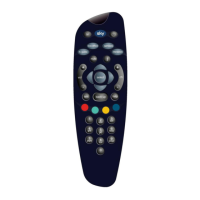
Press the Sky key on your Sky remote control to turn the box on, and wait for
a few moments for it to start up.
To turn the Sky box off, press the standby key on your Sky remote control.
The standby light on the front panel is red when your Sky box is plugged into
the mains but turned off. The light is green when your Sky box is on.
To save power and money, please put your Sky box into standby mode
when you’re not using it.
Changing the volume
Use the remote control’s vol +/- key to change the volume of your TV.
You can turn the volume off altogether by pressing the mute key.
red = standby
green = on
use the vol +/- key or mute for volume control
Sky turns the box on
standby turns the box off


 To Next Page
