23
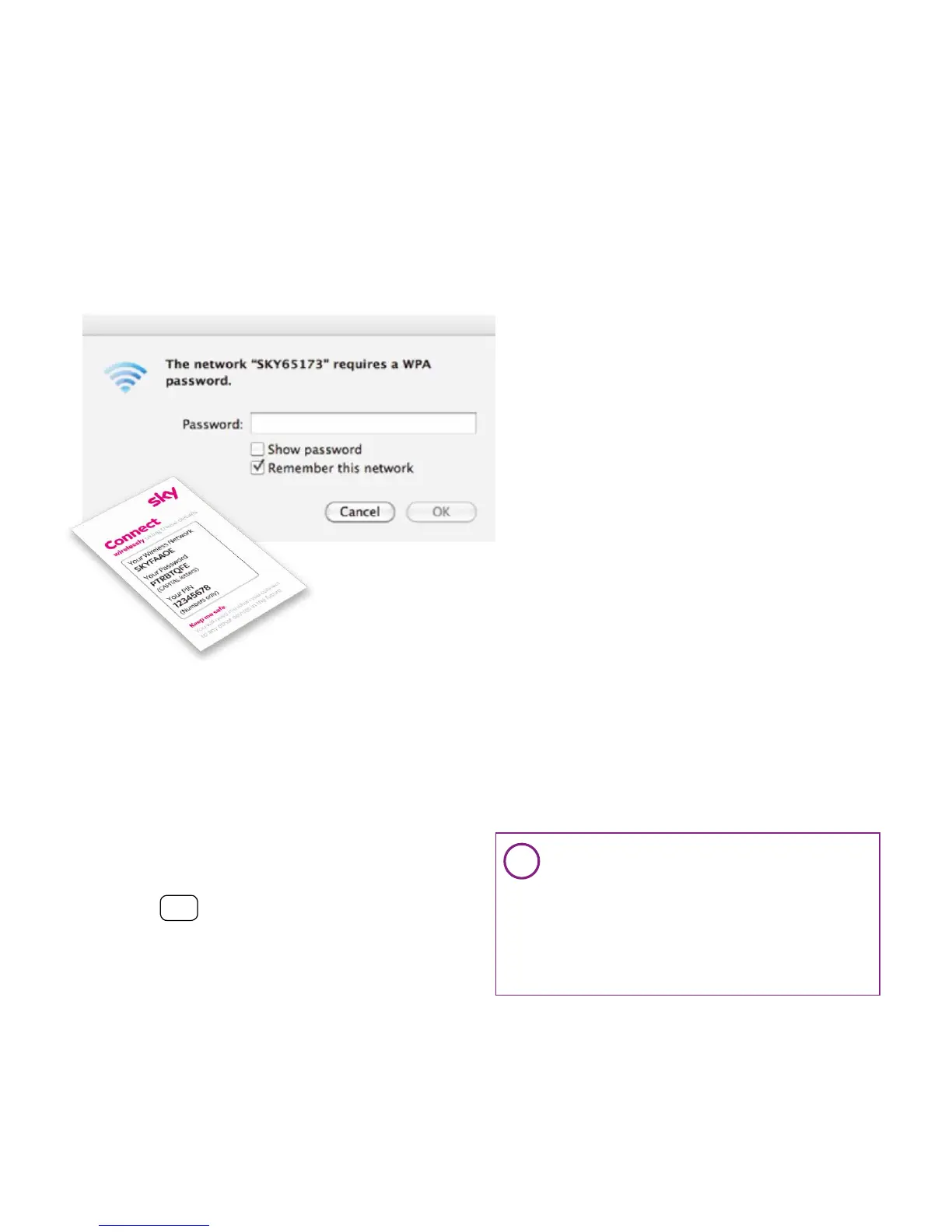
3. Enter your wireless
password
• Enter your password. This can be found
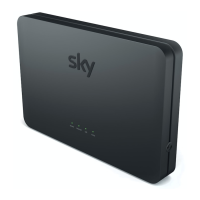
on the inside lid of your Sky Hub packaging
or on the ‘Connect’ card. This is also on the
back of your Sky Hub
• Always enter your password in
CAPITAL letters
• Click OK
4. O pen browser
• Click on an internet browser to complete
your set up
PC (Windows 8)
PC (Windows 7)
PC (Windows XP)
Mac OSX
Wired set up
i
Can’t get connected
• Have you turned on the wireless
switch or button on your computer?
• Have you selected the correct
network?
• Try entering your password again
using CAPITAL letters



 To Next Page
 Loading...