24
1. Connect to your computer
• Plug one end of the black Ethernet cable
into the Ethernet port on the side of your
computer. It usually has a symbol next to it
that looks like this:
with a wired set up
Connect
6
Why a wired connection?
If your computer will always be next to your
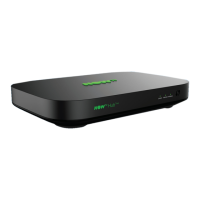
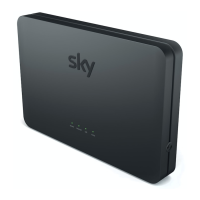
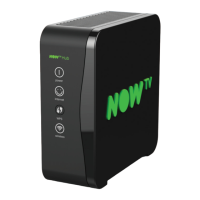
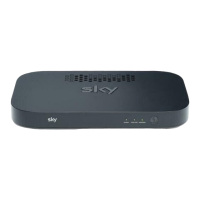
Sky Hub, then you may want to set up a wired
Sky Broadband connection.
Ease of set up – a wired connection is much
easier to set up. All you need to do is simply
plug one end of the black Ethernet cable into
the back of your Sky Hub and the other end
into your computer.
Reliability and speed – your computer will
always be connected, without interference
from other electrical devices which will give you
a faster speed than with a wireless connection,
so ideal if you are downloading large files.



 To Next Page
 Loading...