e660 27 ·e660 · 26
DJI Mavic Battery Program
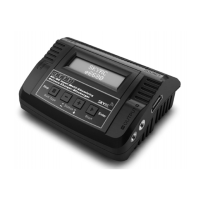
This charger is capable of charging, storage DJI Mavic smart battery.
Click +/- to locate DJI Mavic BATT program
BATT/PROGRAM
DJI Mavic BATT
LH3S CHARGE
TURN ON BATTERY
LH3S CHARGE
TURN ON BATTERY
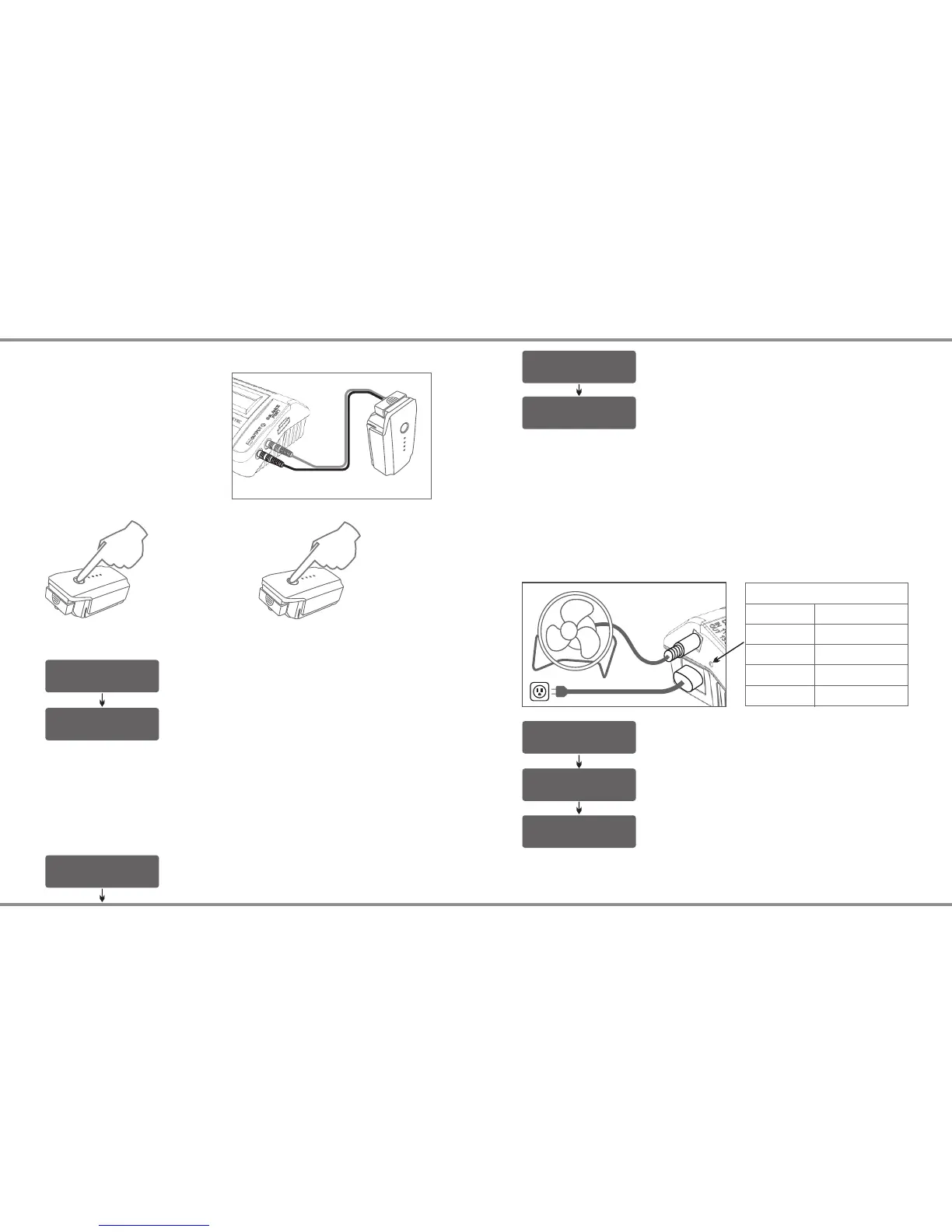
CONNECTION DIAGRAM
Note: Mavic charging cable is not included in the package
Charging Mode
Connect the battery to the
charger as show on the diagram.
Mavic charging cable(SK-
600023-06) is not included in the
package. You need purchase it
separately.
Turn ON the battery before you
put it in charging mode.
Press the Power Button once Press Again and Hold
for 2 Seconds to Turn On
Click ENTER to get into CHARGE mode
Press and hold START/ENTER for 3 seconds to
start the program.
Storage Mode
BATT/PROGRAM
DJI Mavic BATT
When the battery is idle for more than ten days. It is better to discharge
the battery to 65% of total power in order to prevent swelling. If the
battery level is below 65%(15.6V), you need recharge it to 65%.
LH3S STORAGE
TURN ON BATTERY
Click +/- to locate DJI Mavic BATT program
Press and hold START/ENTER for 3 seconds to
start the program.
Click +/- to locate STORAGE mode
Turn ON the battery before you put it in storage mode.
To use e660 as a power supply, the user must connect it to AC power
source. When the green LED on the left side turns on, then the user is
free to use the power supply, the power of DC output is adjustable from
10W to 60W. The output voltage is 13.8V. The power of DC output is
shared with charger power. When you increase the power of DC output,
the charger power will be decreased accordingly. (DC Power + Charger
Power = 60 Watts)
DC Fan
DC Power Supply
DC Power Supply
DC SUPPLY: OFF
CHARGE POWER: 60W
DC SUPPLY: 25W
CHARGE POWER: 35W
Select the power of DC output.
Press ENTER, the power value will blink, click
+/- to allocate the power.
Caution: The maximum DC Power output is 60 Watts. Please check
your device loading before you allocate the power.
ENTER
BATT/PROGRAM
SYSTEM SETTING->
ENTER
Press the ENTER to enter the DC Power
Supply program
OFF
Green
Yellow
Red
Red Blinking
DC Power Off
0-50% Loading
51-75% Loading
76-100% Loading
Over Load
EXPLANATION OF LED STATUS


 To Next Page