With Proxy
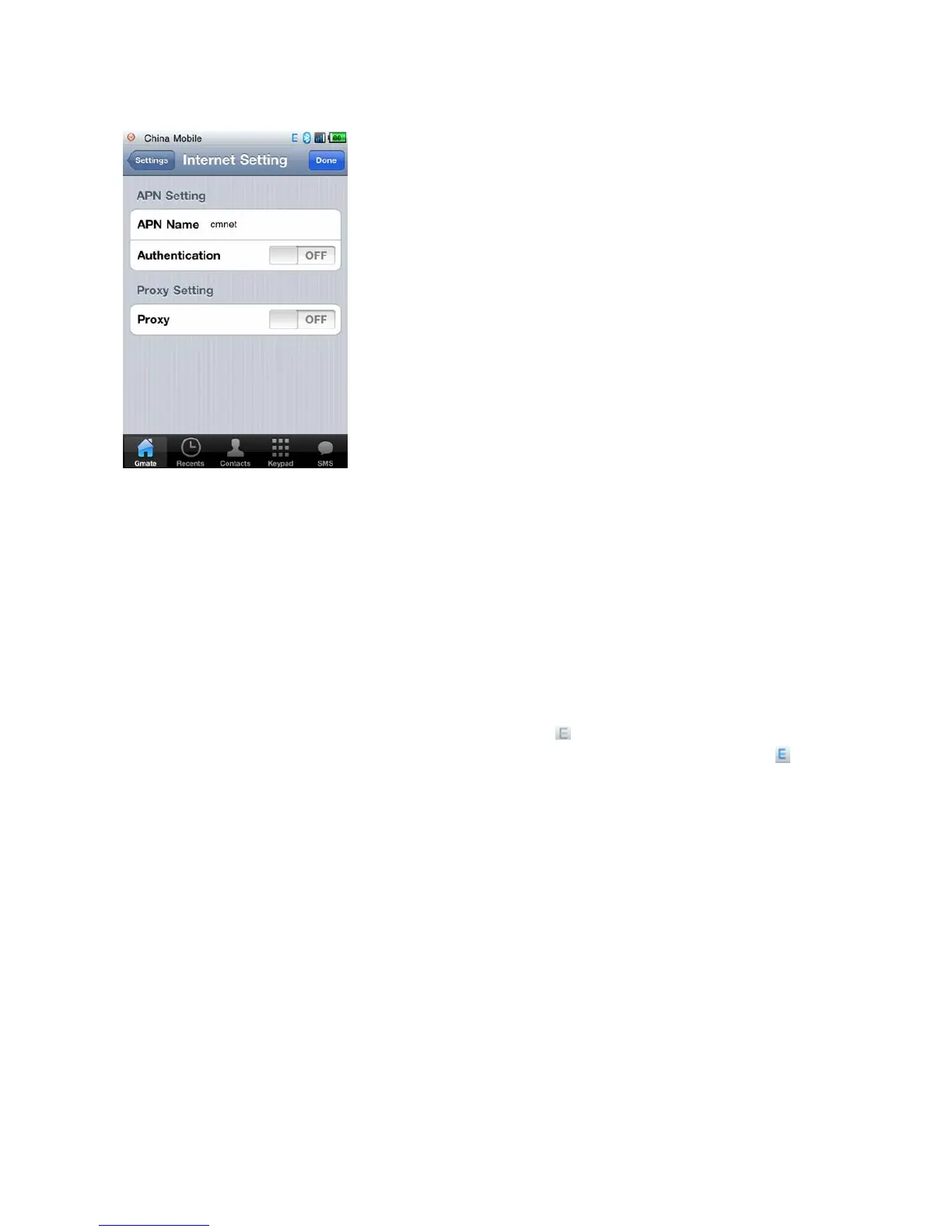
1. SettingsInternet SettingAPN Name:Input APN Name (depends on your SIM card, please
consult with your operator for details)。The figure below uses China Mobile as example.
2. Settings Internet Setting switch on Proxy option, input Server and Port (depends
on your SIM card, please consult with your operator for details).The figure below uses
China Mobile as example. Click Done to save settings.
3. Switch on Internet from the client’s main interface, the icon will appear in the upper-right
corner of the screen of your i-Device(indicating internet function enabled),once the
icon
turns blue(indicating online status),internet is online and available for use(As shown below)。



 To Next Page