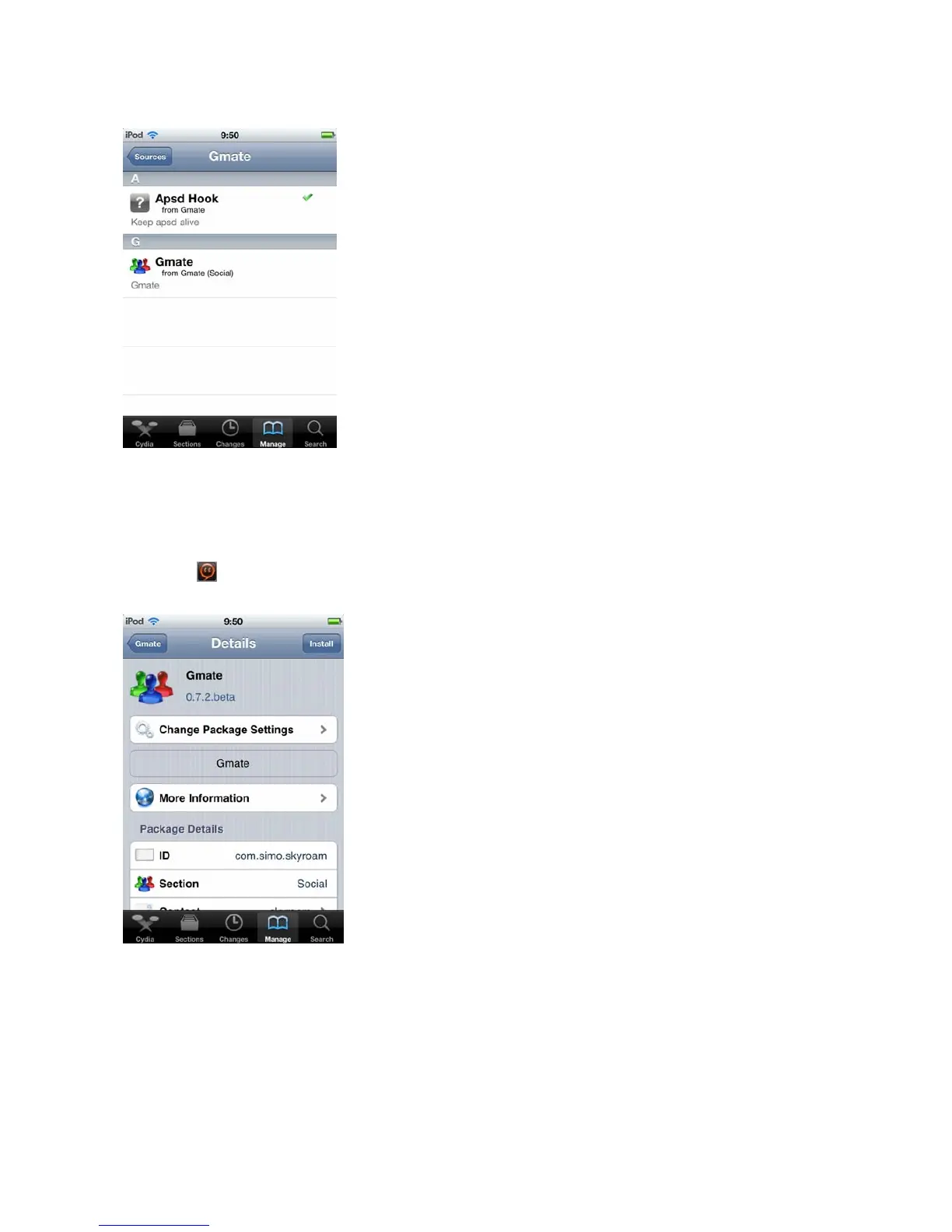
C)In the following menu as shown below,click Install
Confirm (Complete Upgrade option will
pop up, this is recommended for first time users).
Once the installation and update process is
complete, click on
Restart Spring Board
to successfully complete client installation. The Gmate
client icon
will now appear in the Main Menu.
Client Connection to Gmate+
A)Click on to launch Gmate Client,select Connection State Search to locate Bluetooth devices
within a 10 meter radius (as shown below).



 To Next Page