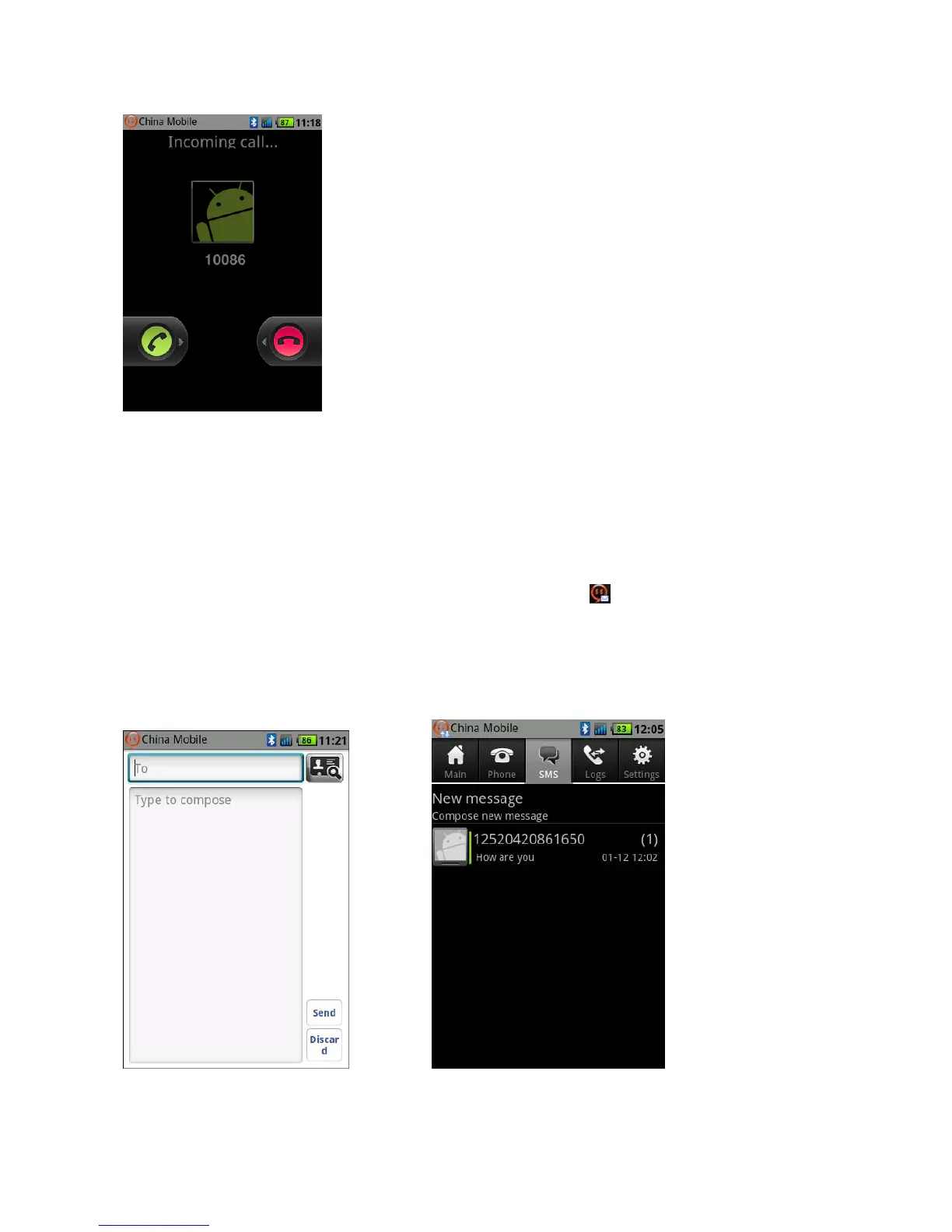
Fig.3
SMS
Compose and Send Short Message: On the Gmate client, Select SMS -> New message, to compose a
new message, select Send to complete (as shown in Fig.1).
Receive and Read Short Message: Mobile phone will alert with status icon, text and tone,
Gmate+ will also vibrate; open and view messages from the SMS menu of the Gmate client (Green
bar indicates unread messages, as shown in Fig.2).
Note: At present, Gmate+ only supports SMS but not MMS (multimedia message sending) function.
Fig.1 Fig.2



 To Next Page