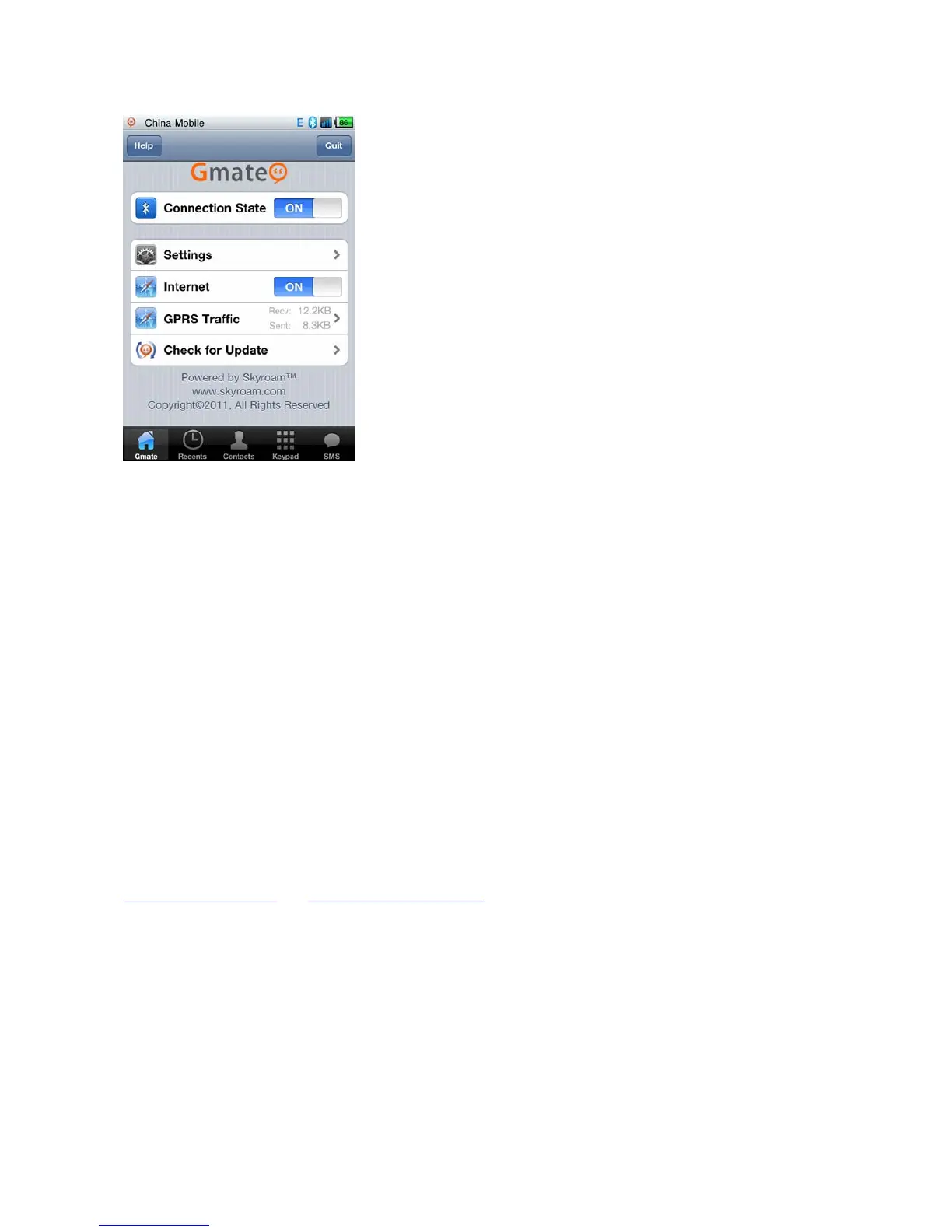
Section 4: Gmate Client Quick Start (Android)
Client Download and Installation
A) Ensure internet connection with your Android device. Enter http://m.skyroam.com (International) or
http://c.skyroam.com
or http://c.skyroam.com.cn (Mainland China) in the mobile browser to access
Skyroam download website, click Download to the page shown in Figure 1 below, then click on the Click
here,download Gmate Client link to begin download.
Note: Download progress can be viewed at the status bar of the mobile phone as shown in Figure 2. After
download is complete, the software will be saved in the Download Folder in the memory card.



 To Next Page