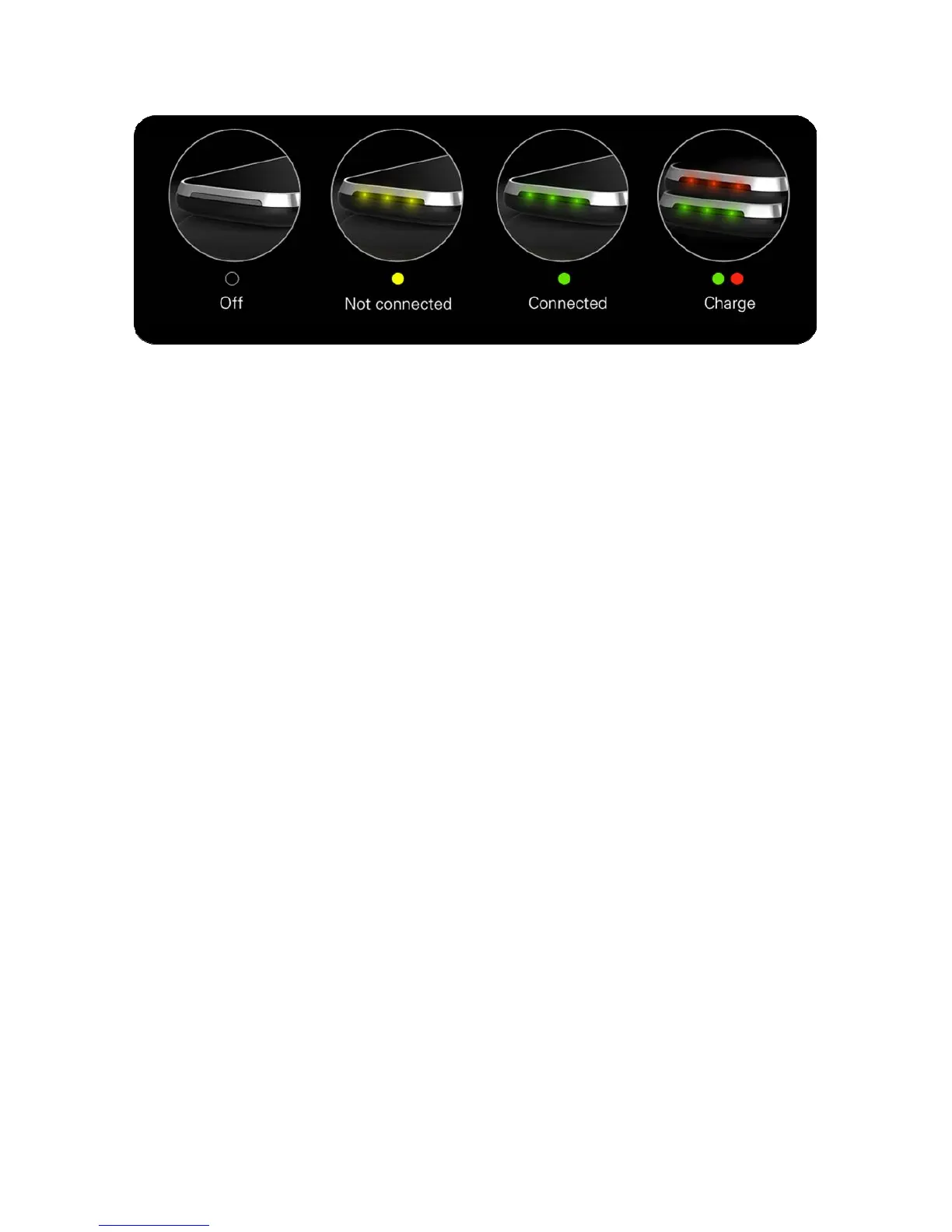
Power On/Off, Reset to Factory Settings
1. Press and hold power button for 3 seconds, release once status light turns green. Gmate+
begins startup process.
2. Press and hold power button for 3 seconds,release once status light turns red. Gmate+ begins
shutdown process.
3. While powered on, use a paperclip or similar tools to press and hold reset button for 3 seconds.
Gmate will reset once status light turns red, Gmate Name and Bluetooth PIN will reset to
factory settings.



 To Next Page