Client Connection to Gmate+
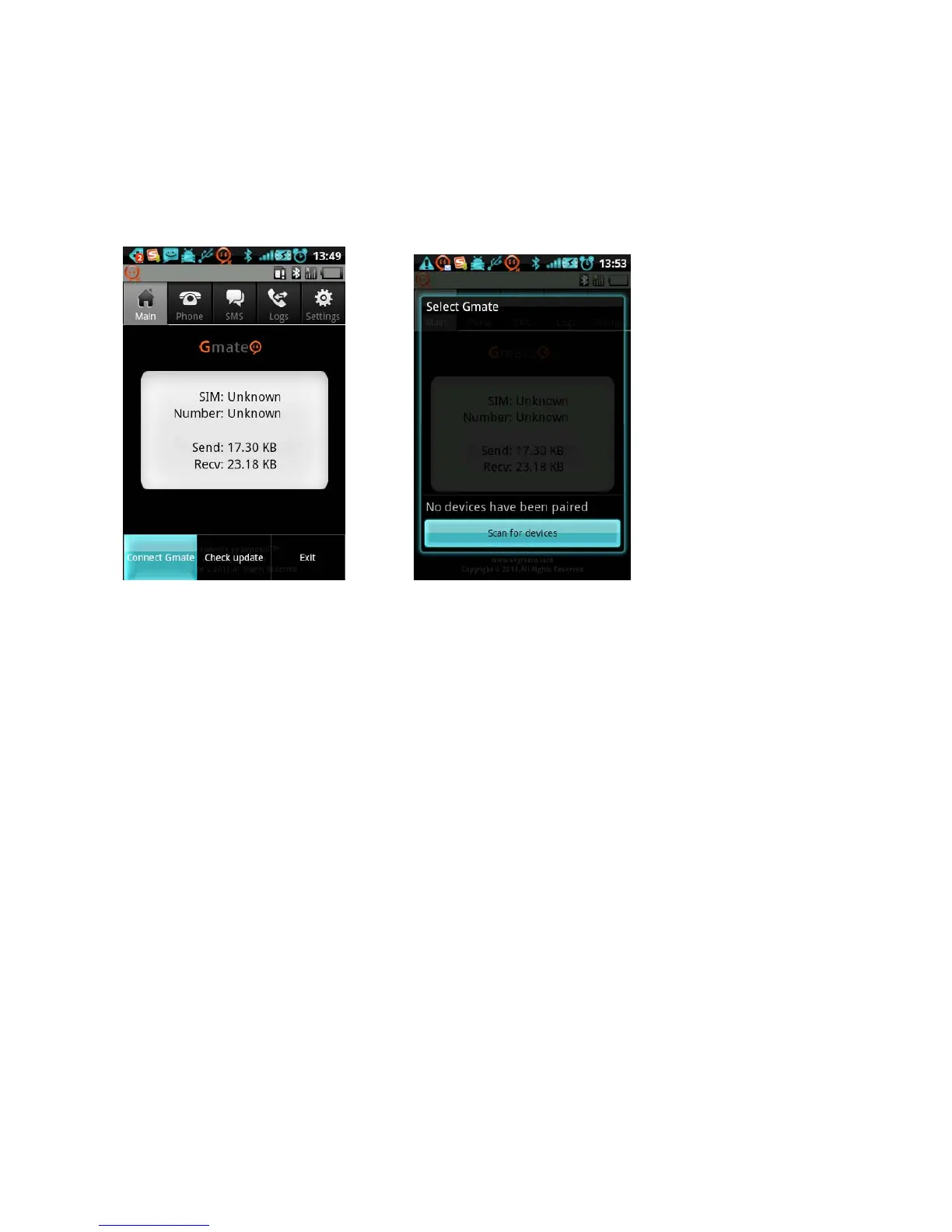
A) In Gmate client, press the MENU key to access options as shown in Fig.1. Select Connect Gmate to activate
Bluetooth permission request pop-up, select Yes to device list as shown in Fig.2. Click Scan for devices to
search for bluetooth devices within 10 meters.
Fig. 1 Fig.2
B) From the searched device list, select Gmate+ to connect, and enter the Bluetooth PIN (default PIN is 1234) to
complete device connection (as shown below).
Note:If unable to locate Gmate+ by device name, please refer to the Bluetooth address located
under the battery. For security reasons, we suggest changing the Bluetooth PIN and Device Name
through Settings in the Gmate client.



 To Next Page