EasyManua.ls Logo

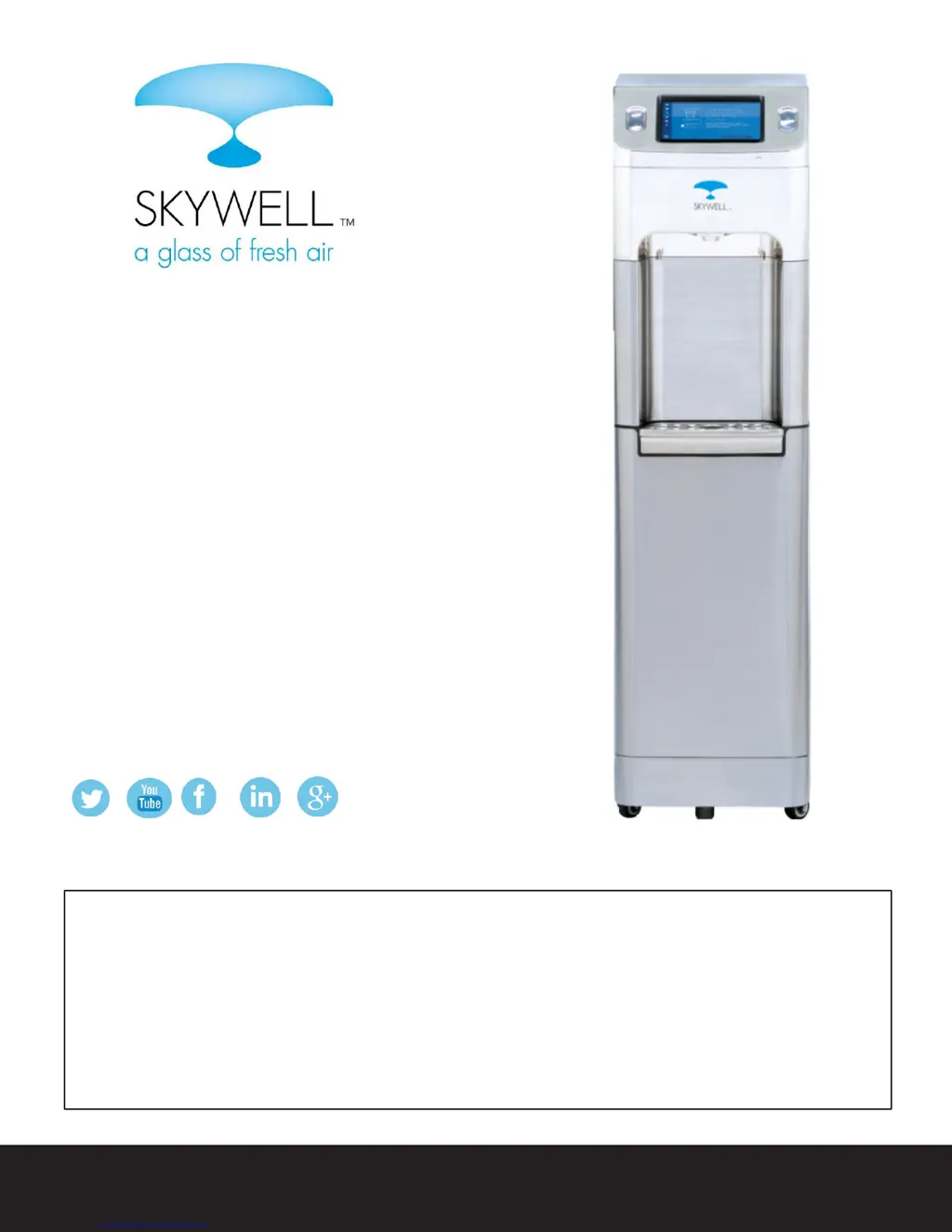
Skywell 5 - User Manual

Skywell 5
16 pages
Print Icon
To Next Page IconTo Next Page
Loading...
1
USER MANUAL AVAILABLE AT SKYWELL.COM
© 2017 Skywell, LLC
SKYWELL
User Manual
When using electrical appliances, basic safety precautions
should be followed to reduce the risk of fire, electric shock
and injury to persons or property. This manual contains
important information describing how to safely set up, use
and maintain your Skywell.
ATMOSPHERIC WATER GENERATOR

Questions and Answers

  • S
    Scott WilliamsAug 2, 2025
    What to do if Skywell 5 Water Dispenser is not dispensing water?
    • K
      Karen MorganAug 2, 2025
      If your Skywell Water Dispenser isn't dispensing water, there are a couple of things to check. First, make sure the unit is properly plugged in and turned on. Second, check the water level in the upper right-hand corner of the screen to ensure that the water levels are adequate.
  • B
    bonillajonathonAug 17, 2025
    How to fix cold water that is not getting cold in Skywell 5 Water Dispenser?
    • D
      Daniel CarpenterAug 17, 2025
      If the cold water from your Skywell Water Dispenser isn't getting cold, consider the following: 1. Ensure the water tank is at least 25% full by checking the level on the display. 2. Verify the unit has had at least 90 minutes to cool the water. 3. Check the cold temperature settings. 4. See if the condenser coils (black tubing at the back) are radiating heat, as a potential compressor cooling system problem may exist.

Summary

The Skywell Mission

How the Skywell Works

Quick Setup and Installation

Key Safety Considerations

Safety Precautions

Electrical Shock Hazard

Details on proper grounding and outlet requirements to prevent electrical hazards.

Product Specifications

Parts and Features

Operating and Using Your Skywell

Dispensing Cold Water

Instructions on how to dispense cold water using the touch screen interface.

Dispensing Hot Water

Procedure for dispensing hot water, including safety warnings for hot temperatures.

The Skywell App

Track Hydration

Feature to monitor daily water intake and progress.

Create Hydration Profile

Option to set up a personalized user profile for tracking.

Quiet Mode

Setting to operate the unit silently for a specified duration.

Settings

Access to various operational and customization options.

Water Generation Settings

Daily Water Generation Schedule

Configure timed periods for water production throughout the day.

Hot and Cold Water Temperature

Adjust the desired temperature for hot and cold water dispensing.

Creating Your Personal Hydration Profile

Avatars

Select visual representations for user profiles within the app.

Daily Hydration Goals

Set daily water intake targets, measured in cups.

PIN Code

Establish a personal identification number for profile security.

Adding Water Dispensed Data

Record water consumption data into the user's hydration profile.

Cleaning and Care

Disinfecting the Dispensing Point

Daily cleaning procedure for the dispensing nozzle to ensure hygiene.

Cleaning the Collection Tank

Quarterly cleaning of the water collection tank for optimal performance.

Cleaning the Skywell Exterior

Routine cleaning of the external surfaces using stainless steel cleaners.

Maintenance and Troubleshooting

Cleaning the Air Filter

Procedure for cleaning the air filter to maintain water quality.

Cleaning After Power Outage

Specific cleaning steps required after extended power interruptions.

Detecting Abnormal Circumstance

Identifying unusual odors or operational issues with the unit.

Unit Not Cooling

Troubleshooting steps when the water fails to reach the desired cold temperature.

Replacing Water Filters

Replacing UV Bulbs

Troubleshooting Tips

Limited Warranty

FCC Statement

FCC Radiation Exposure Statement

Information regarding compliance with FCC RF exposure limits.

IC Statement

Skywell 5 Specifications

General IconGeneral
BrandSkywell
Model5
CategoryWater Dispenser
LanguageEnglish

Related product manuals