INSTALL CUSTOM PROFILE PICS
You must install the latest Skywell APP prior to installing custom profile pics.
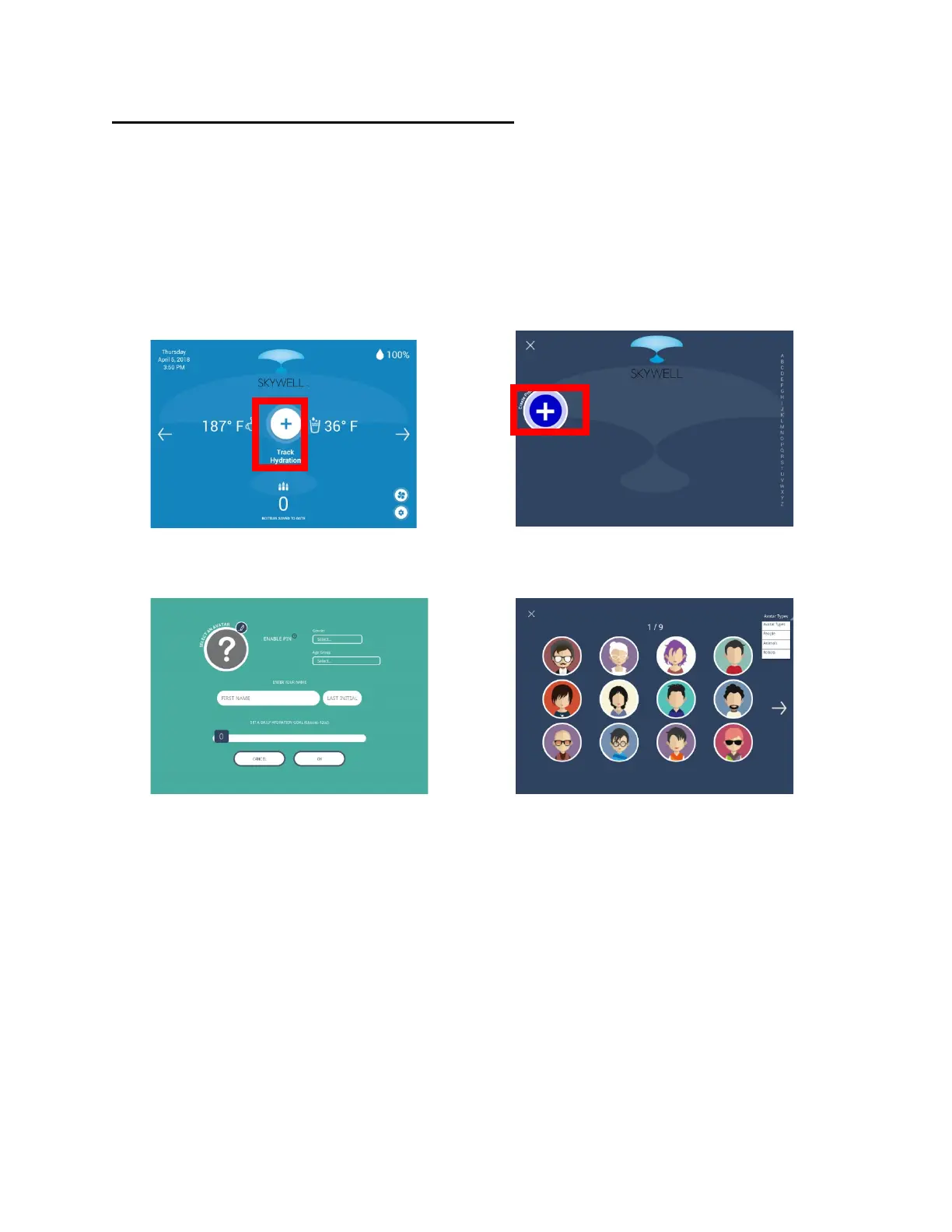
As part of the Track Hydration feature, you are encouraged to create a profile.
That process provides an opportunity to associate a pic with the profile. If no
custom pic is uploaded, then the option is to either choose from a default
selection of avatars or not to choose any pic.
Here are the steps to install a custom pic to the profile list:
1. The custom pic should be 256 x 256 or smaller.
2. Acceptable file formats are .png/.jpeg/.gif/.bmp.
3. Connect to the Skwyell via WIFI and create a folder called “avatar” on
the SD card root.
4. Drag the file onto the SD card from your computer into the avatar folder.


 To Next Page