Si5338-RM
24 Skyworks Solutions, Inc. • Phone [781] 376-3000 • Fax [781] 376-3100 • sales@skyworksinc.com • www.skyworksinc.com
Rev. 1.4 • Skyworks Proprietary Information • Products and Product Information are Subject to Change Without Notice • 2021
9.5. Output Driver Enable/Disable
Each of the output clocks (CLK
n
) can be enabled or disabled once they have been powered up as described in
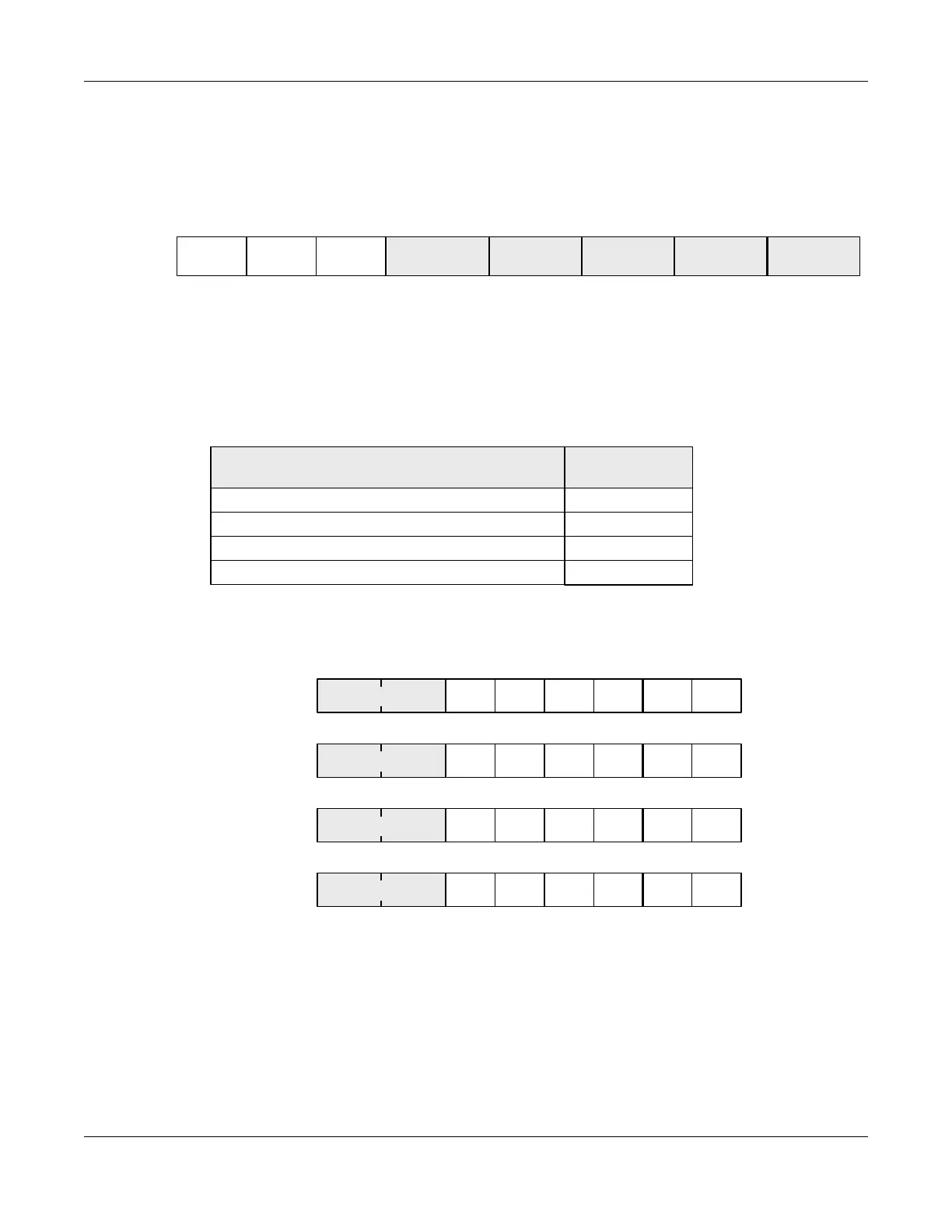
Section 9.4. Register 230 controls this function as shown in Figure 14. Drivers are enabled by default. Register
230[4] disables/enables all outputs simultaneously, and, when disabled, overrides the effect of OEB_0,1,2,3. Set
each OEB_x to 0 to enable.
Figure 14. Setting Output Driver Enable/Disable
9.6. Output Drive State When Disabled
When an output is disabled, its state is configurable as Hi-Z, Low, High, or Always On. Any output clock that is fed
back to IN4,5,6 (for zero delay mode) must have its output disable state set to always on. Registers 110[7:6],
114[7:6], 118[7:6], and 122[7:6] control this feature as shown in Figure 15.
Figure 15. Setting Output Drive State
230[7:0]
OEB_0
0
OEB_1
1
OEB_2
2
OEB_3
34
000
567
OEB_all
CLKx_DISST[1:0]
x=0,1,2,3
01
10
11
Disables Low
Driver State When Disabled
Disables High
Always On
00
Hi-Z
110[7:0]
01234567
CLK0_DISST[1:0]
114[7:0]
01234567
CLK1_DISST[1:0]
118[7:0]
01234567
CLK2_DISST[1:0]
122[7:0]
01234567
CLK3_DISST[1:0]



 To Next Page