13 / 16
Copyright (c) 2009-2013 RoboPeak Team
Copyright (c) 2013-2023 Shanghai Slamtec Co., Ltd.
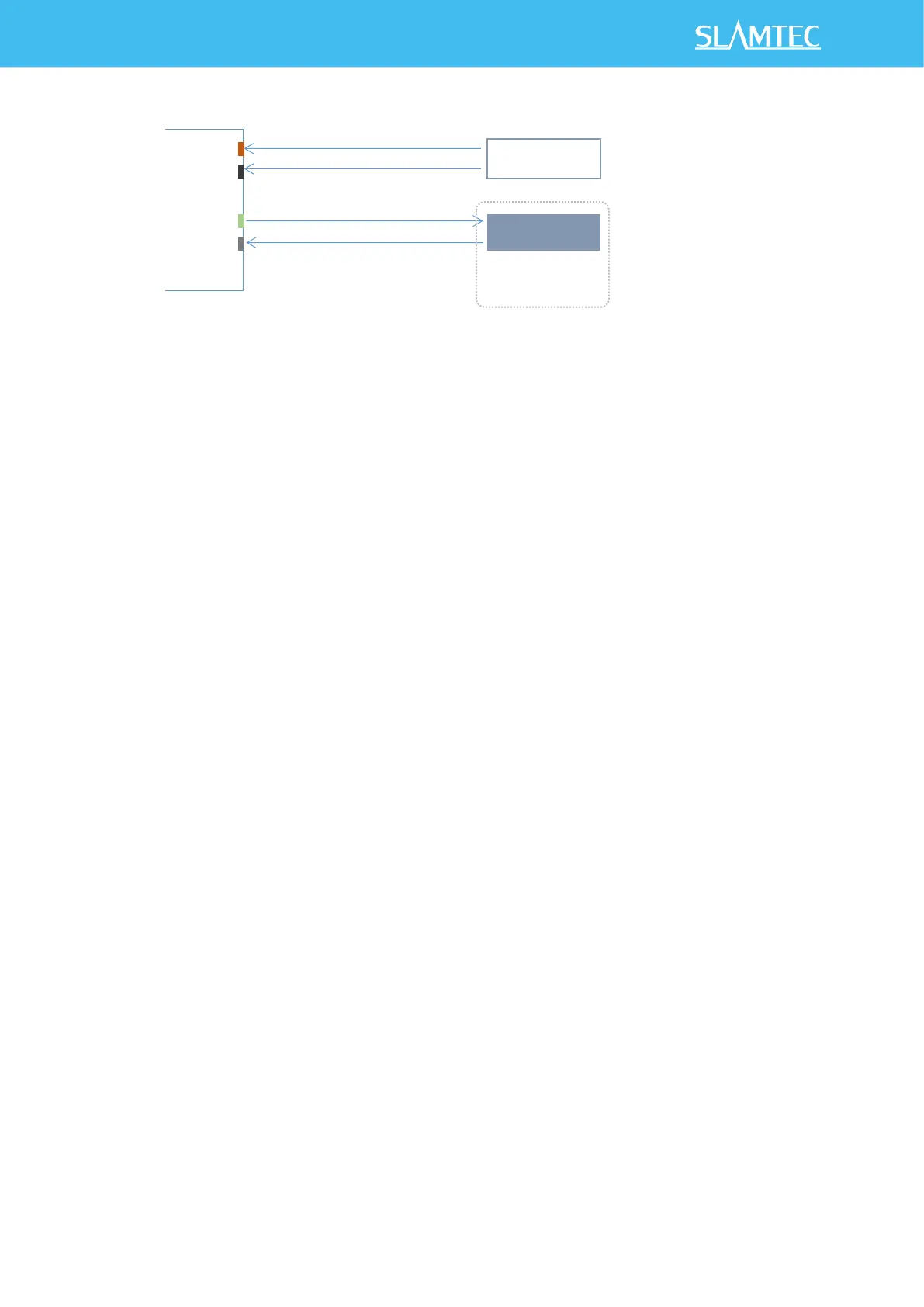
Figure 3-3 RPLIDAR C1 Pins Reference Design
Pin Definition for the USB cable
The USB cable is also using XH2.54-5P specification socket, and it can be
connected with RPLIDAR C1 directly. The pin definition is the same as the
RPLIDAR C1.
Configure RPLIDAR C1 Scan Frequency
The RPLIDAR C1’s scan frequency can be modified by invoking the related
functions in the SDK to configure the motor speed.
Please refer to the RPLIDAR protocol and application note for more information
and the SDK for the sample code on RPLIDAR scan frequency.
SDK Usage
SLAMTEC provides RPLIDAR SDK support on both Windows and Linux platform.
And users can embed the SDK source code to other operational system or
embedded system quickly. Please refer to the SDK document for more
information.


 To Next Page