pinch gestures for zooming. A two-finger touch moved along the x or y-
axis will scroll the edit window.
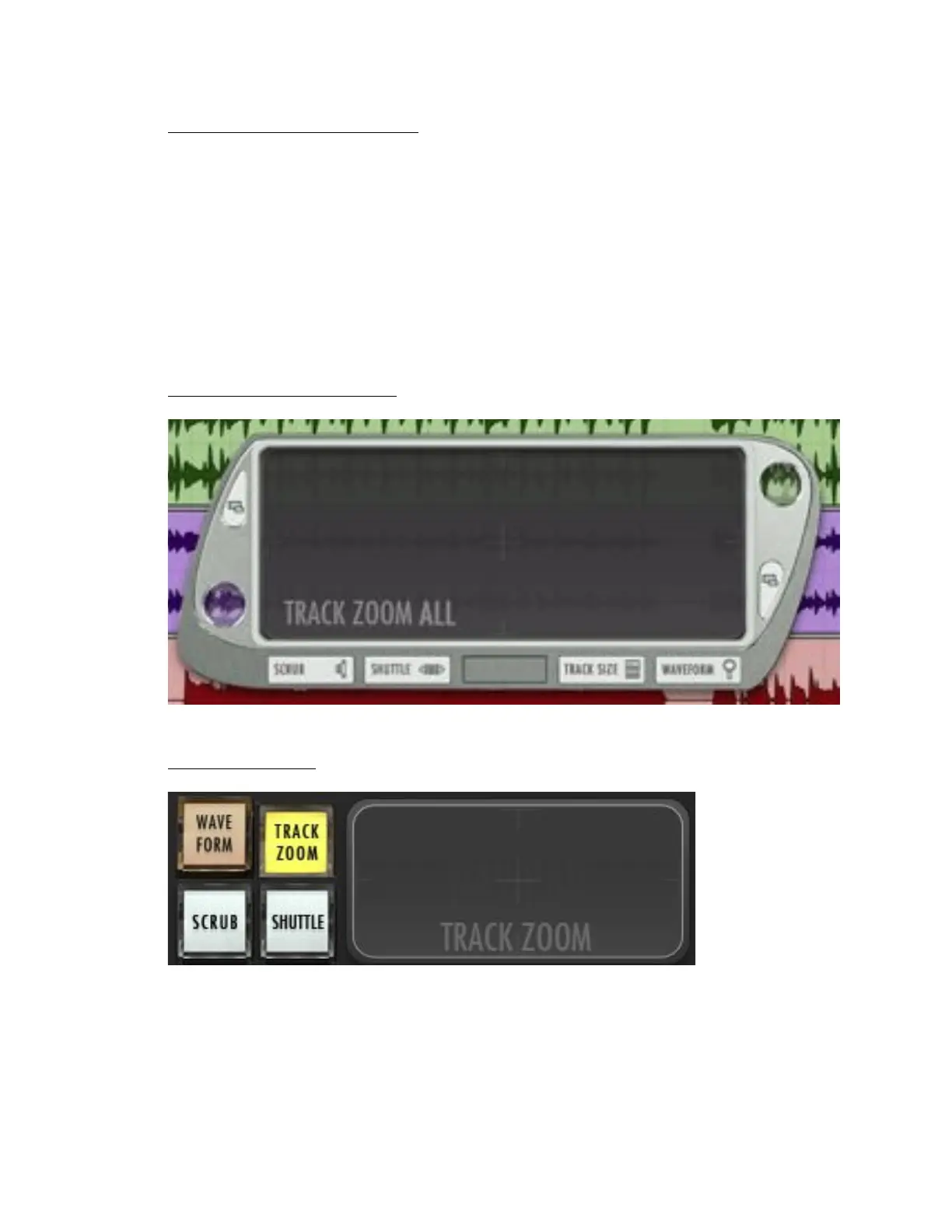
Put the window anywhere on the screen by grabbing one of the two side
handles.
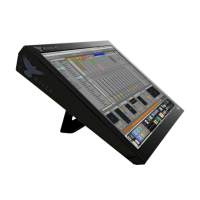
There are two NavPads on the RAVEN Mixer. One floating window, and
one built into the toolbar. Both have the same functionality.
a. Note – Separate your fingers when using a two-finger gesture for
proper performance.
Floating Navpad Window:
Toolbar NavPad:
Note: Press the Track Zoom button to toggle between individual Track
Zoom or Track Zoom All.
8. Big Counter – Displays the counter synced with the transport in Pro
Tools.



 To Next Page