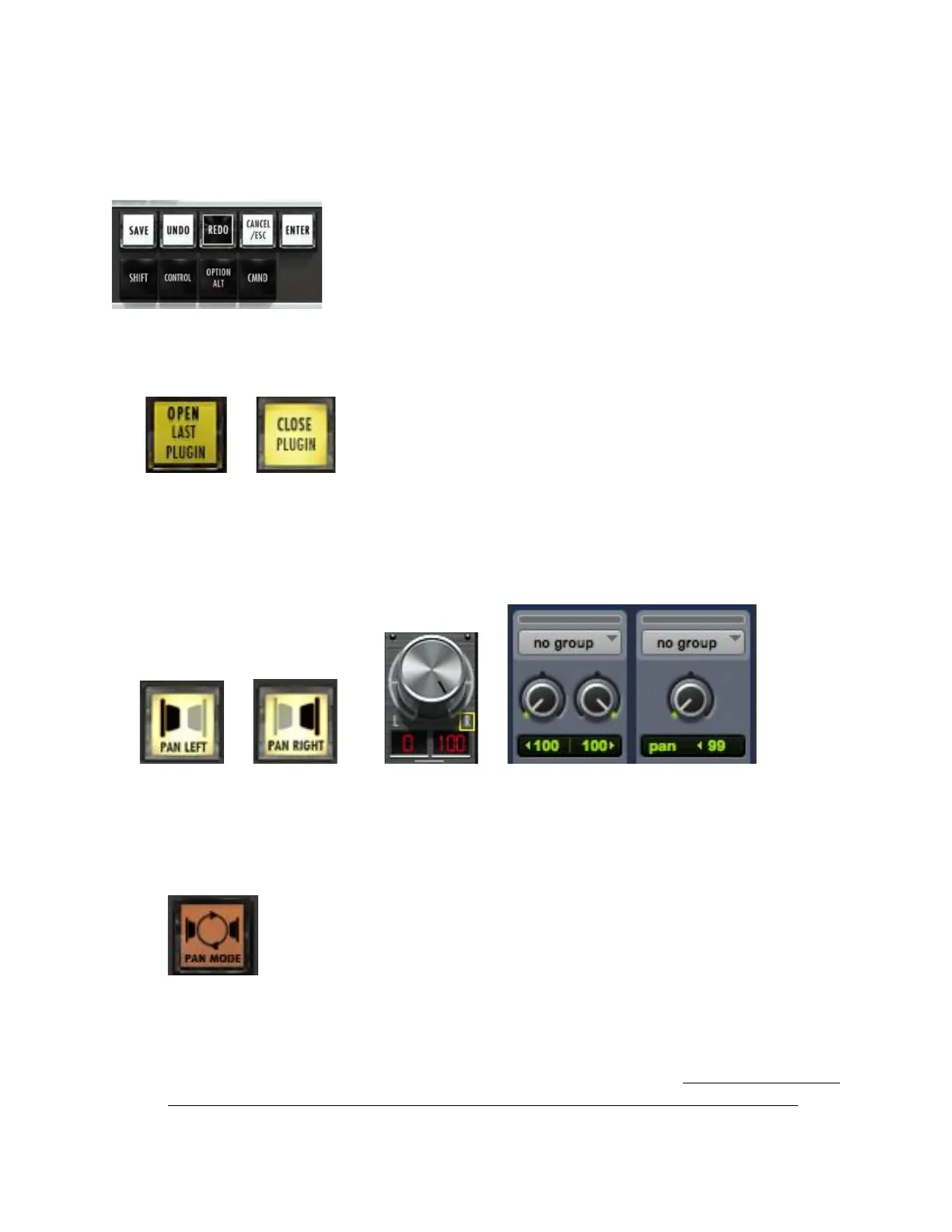
3. Commands and Modifiers – All normal functions such as Save and Undo
are found in the toolbar. The Modifier keys latch when touched once and
unlatch when a command is executed.
4. Open/Close Last Plugin - Use this button to close plugin windows or to
show the last open plugin.
5. Pan Left/Pan Right – This button shows the right side of any stereo
track. To see stereo tracks, touch the button so that it reads “PAN RIGHT”
the only track visible will be the right side of any stereo track in your
session. Touch the button again to see left panners and mono tracks.
6. Pan Mode – This changes the control of the pan knobs from rotary to
traditional up/down. In rotary mode, move your finger in a circular
motion around the perimeter of the knob. In up/down mode, touch the
middle of the knob and move up or down to adjust pan.
7. NavPad - Launches a floating navigation window where you can Zoom,
Scroll, Shuttle and Scrub.
Note: The NavPad uses an X, Y-axis to control zooming. Use only a single
touch to control zooming. The NavPad is not designed for two finger



 To Next Page