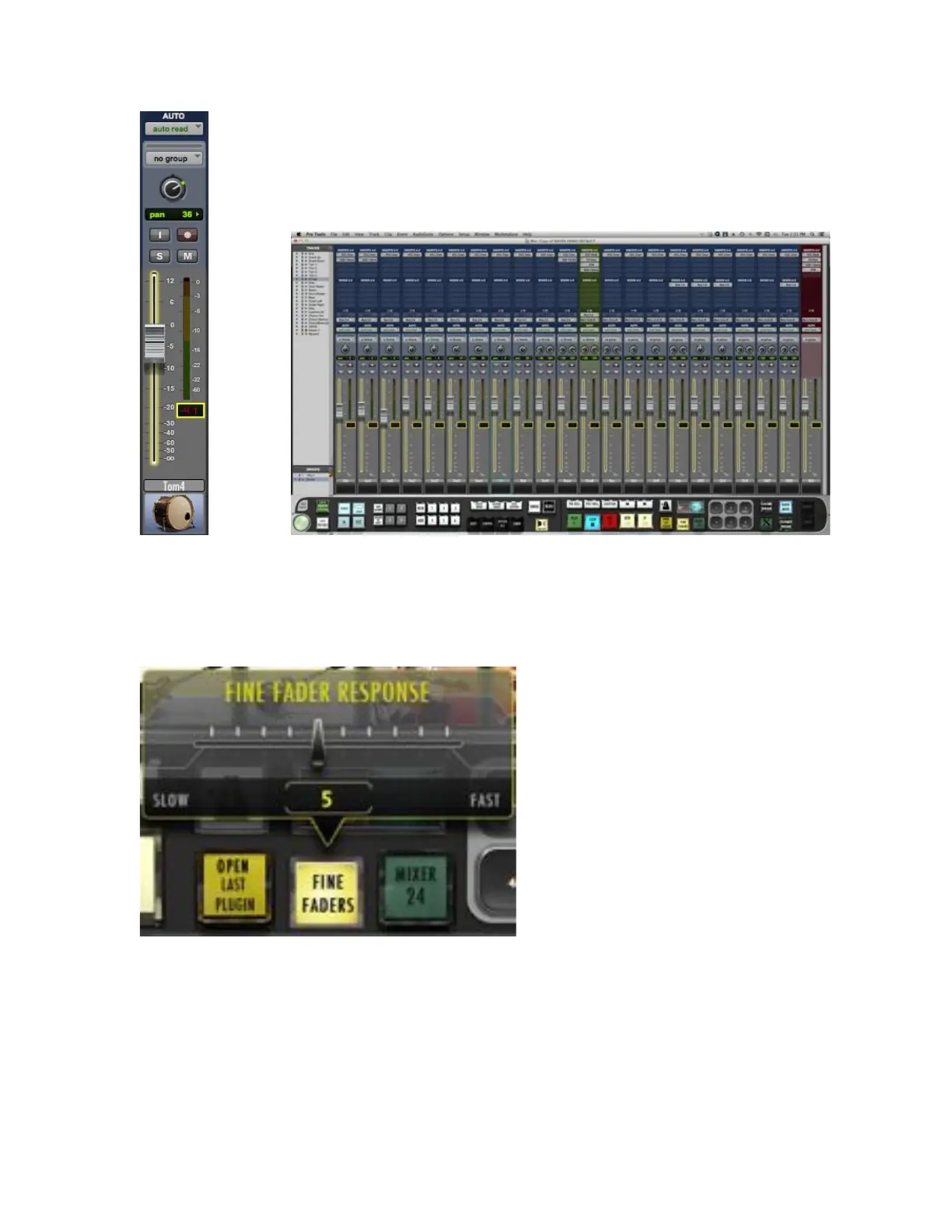
We have also included the ability to control the response of the Fine Faders
by double-tapping the Fine Faders button on the RAVEN Toolbar. Then,
adjust between 1 and 10, 1 being the slowest response for extreme detail
and 10 being the fastest Fine Fader response.
11. Custom Macro “Hotkeys”
Create your own hotkeys using standard keyboard commands. To create
a hotkey:
a. Press and hold any of the buttons labeled 1-6 or 1-8.
b. A box will appear, prompting you to enter a key combination. Enter
the combination into your keyboard.



 To Next Page