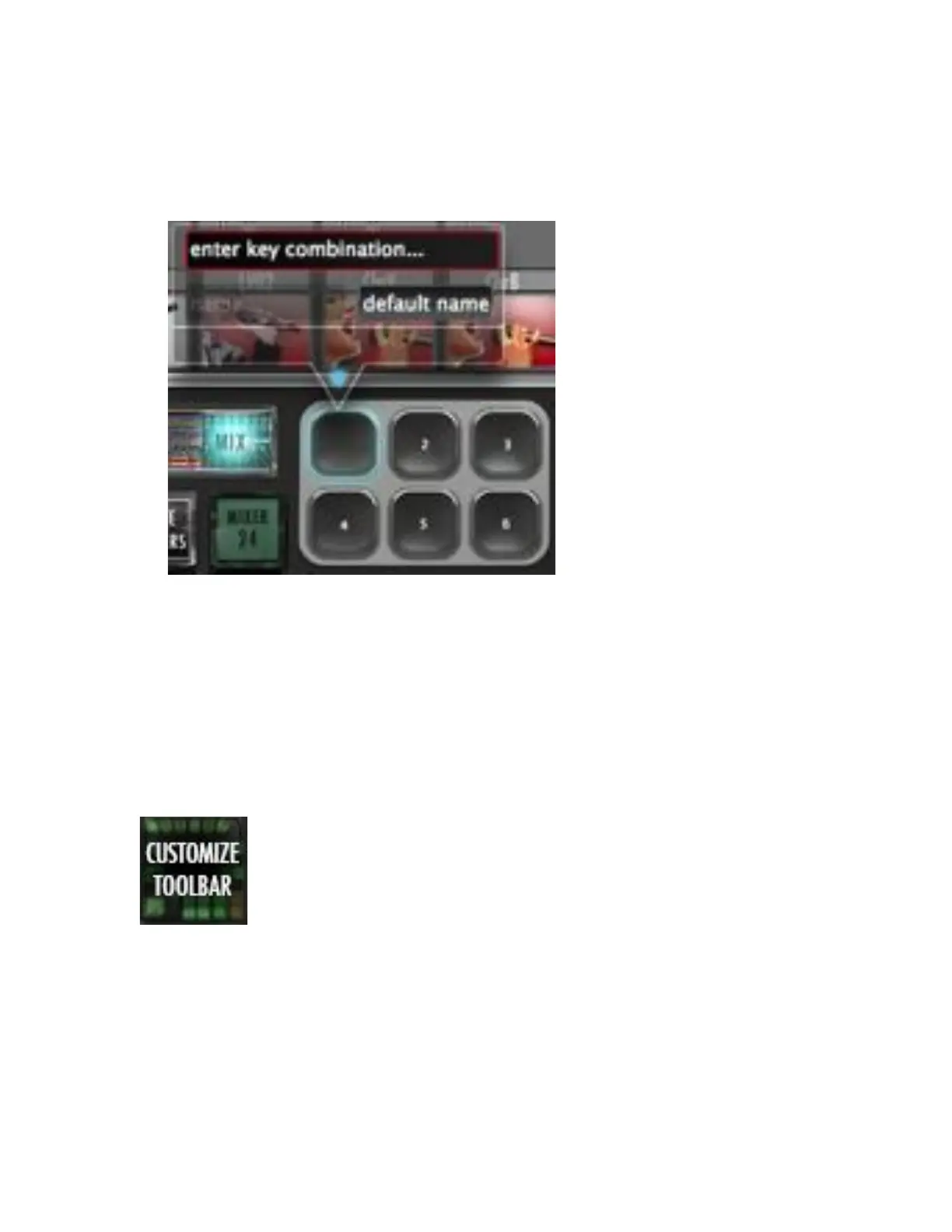
c. Press Enter when command is displayed and then, enter a name for
the hotkey. Type a name and hit enter again.
d. To remove a Hotkey, simply press and hold the hotkey to be erased
and hit enter twice.
Note: There are 22 Available hotkeys for each saved layout.
12. Customize Toolbar – Tap this button to enter “Customize Toolbar”
mode. Simply:
a. Press the button and it will latch.
b. Drag icons and buttons around the toolbar to your liking.
c. Press the button again and it will unlatch allowing you to use your
custom tool layout.
Note: This also works with adding to your “Floating Toolbar.”



 To Next Page