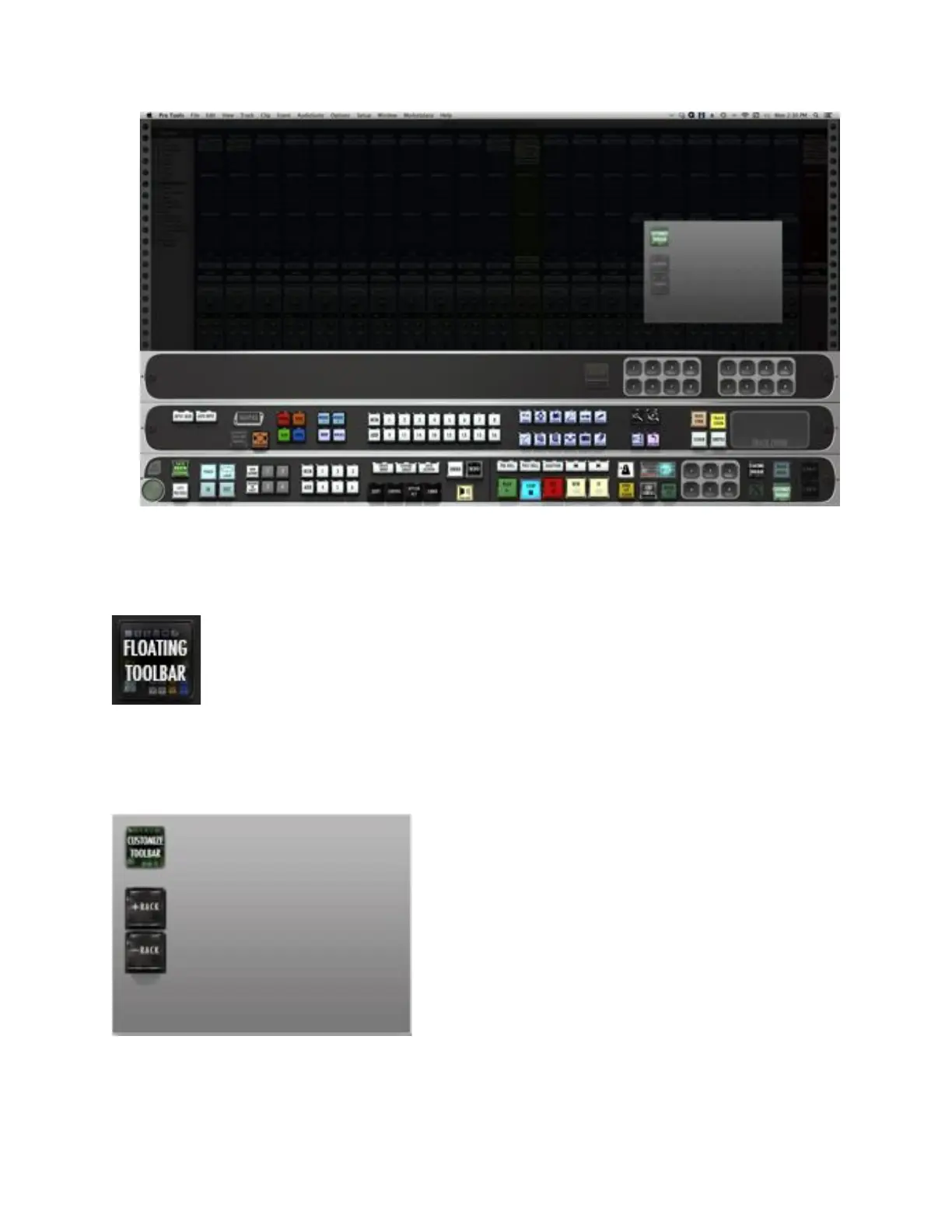
13. Floating Toolbar – Pressing this button will bring up a customizable
floating window. You can populate this window with tools that are
essential to your workflow, and can move them anywhere on the screen.
Once the Floating Toolbar button is pressed, the semi-transparent window will
appear with the familiar Customize Toolbar button as well as + / – Rack
buttons.
To customize your Floating Toolbar:
• Press the Customize Toolbar button on the top left corner of the palette.



 To Next Page