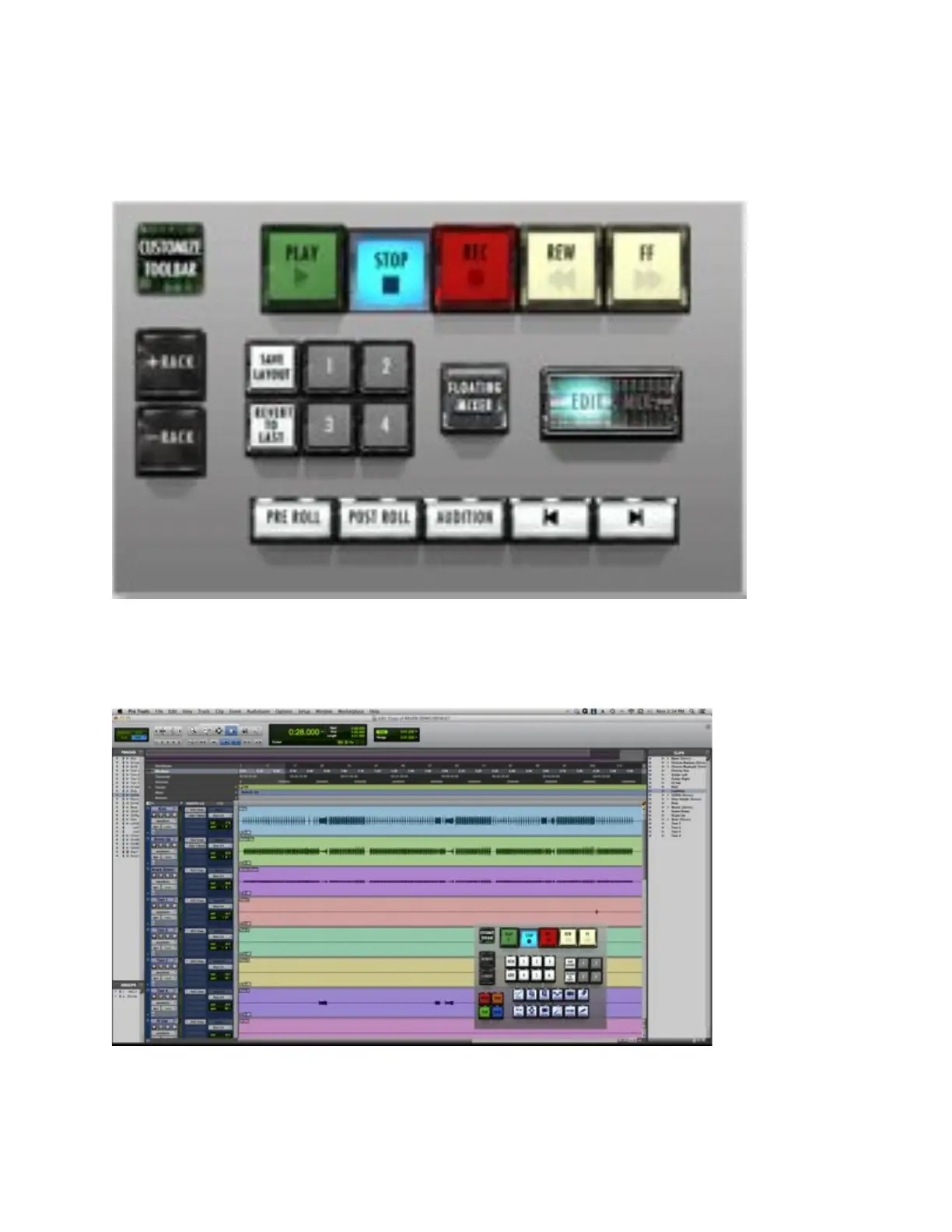
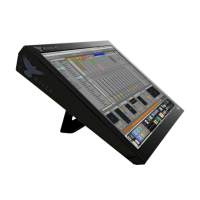
• Drag desired tools to the palette. The palette will automatically resize to
fit more or less tools in your configuration.
• Press Customize Toolbar button again to exit.
Your Floating Toolbar is now ready to use. You may now remove racks all racks
if you want to work with just the Floating Toolbar. To bring back the Raven
Toolbar, simply press the + Rack button on the Floating Toolbar.
14. Save Layout – Saves your RAVEN toolbar layout, your Floating Toolbar
layout and your configured Hotkeys to a specific button you can get back



 To Next Page