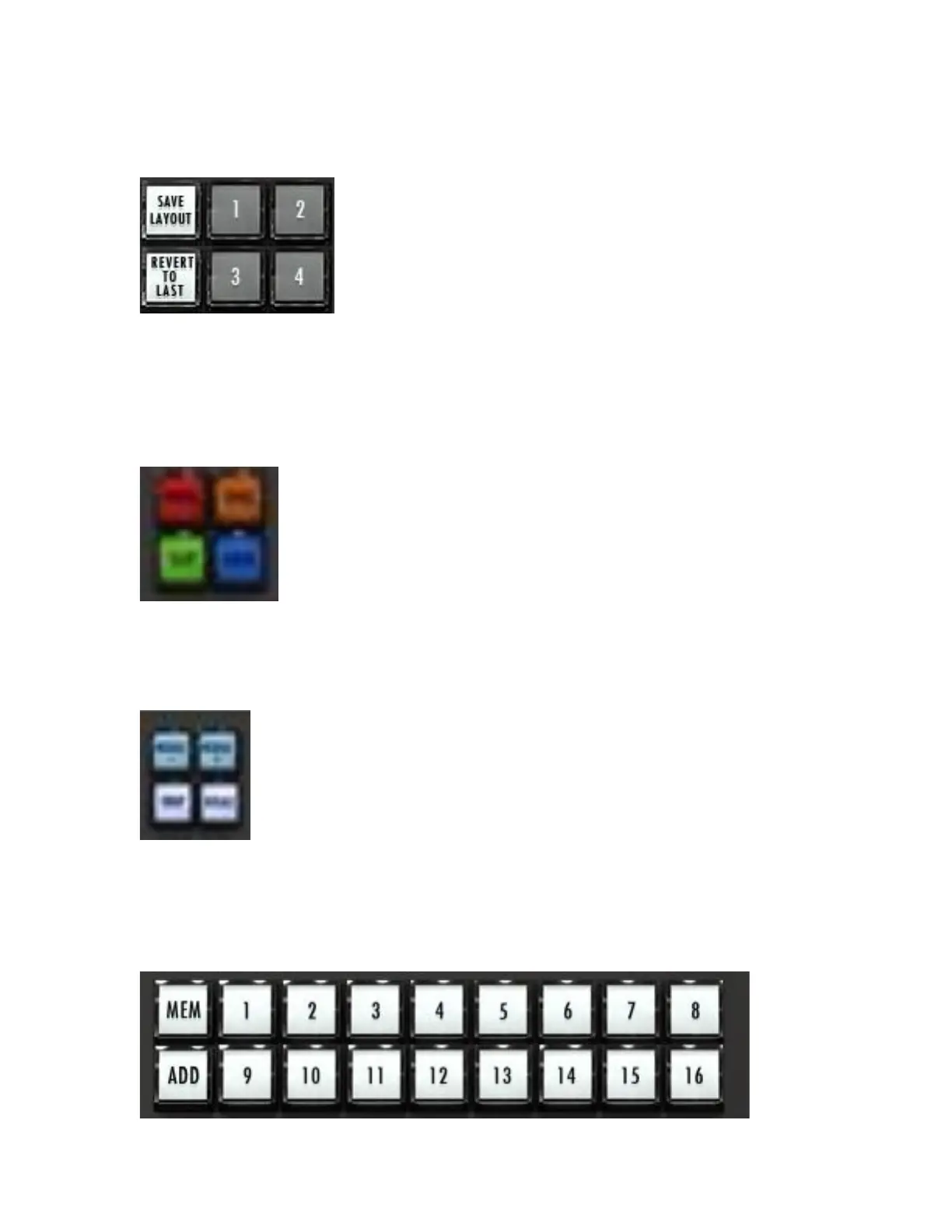
to easily. Press Save layout and choose a number 1-4 to save. To recall
your saved layout, press the assigned button.
Note: “Revert to Last” will bring up the previous layout that was displayed,
this is in case of accidental saves or changes to hotkeys or toolbar.
18. Grid Modes – Press any of these buttons to select the grid mode you
wish to work with.
Note: Grid toggles between “Grid” and “Reel Grid.”
19. Nudge/Drop/Replace – These function exactly the same as in the Pro
Tools edit window.
20. Memory Locations – These buttons function exactly the same as the
memory locations feature in Pro Tools.
Note: The smaller 6-panel are linked to the larger 16 locations.



 To Next Page