Smappee Infinity – Installation manual – English
6. Physical installation
This procedure describes the required steps for the physical installation of the Smappee Infinity.
WARNING: For safety purposes, it is necessary to power off the installation before
proceeding with the physical installation.
Steps
• Locate a free fuse or install an additional fuse for the protection of the Power Box.
• Connect the power cable according to the connection diagram, see next pages.
• Mount the Power Box and connect the power cable.
• Mount the CTs, Rogowski coils and Solid Core 3-Phase CTs around the phase wires. Keep in
mind that the arrow indicated has to point in the direction of the current flow (K > L).
• Connect the installed CTs to their corresponding CT Hub.
• Mount the gateway (Genius or Connect-series).
• Make the following interconnections:
a. The first CT Hub or Solid Core 3-Phase CT to Port A of the Power Box using the supplied
Smappee Bus cable.
b. Connect all the CT Hubs and/or Solid Core 3-Phase CTs with the supplied Smappee Bus
cable or a custom twisted-pair RJ10 cable.
c. Plug the supplied bus termination plug in the free port of the last CT Hub or Solid Core 3-
Phase CT.
d. Connect Port B of the Power Box to Port B of the gateway using the (longest) supplied
Smappee Bus cable or a custom twisted-pair RJ10 cable.
e. When you’re installing Input and/or Output modules, connect them between the Power
Box and the gateway.
In a multi-phase environment, all phases must be connected to the Smappee Power Box
according to the topology. This means that the appropriate wires of the power cable must
be connected to their respective phases (L1, L2, L3).
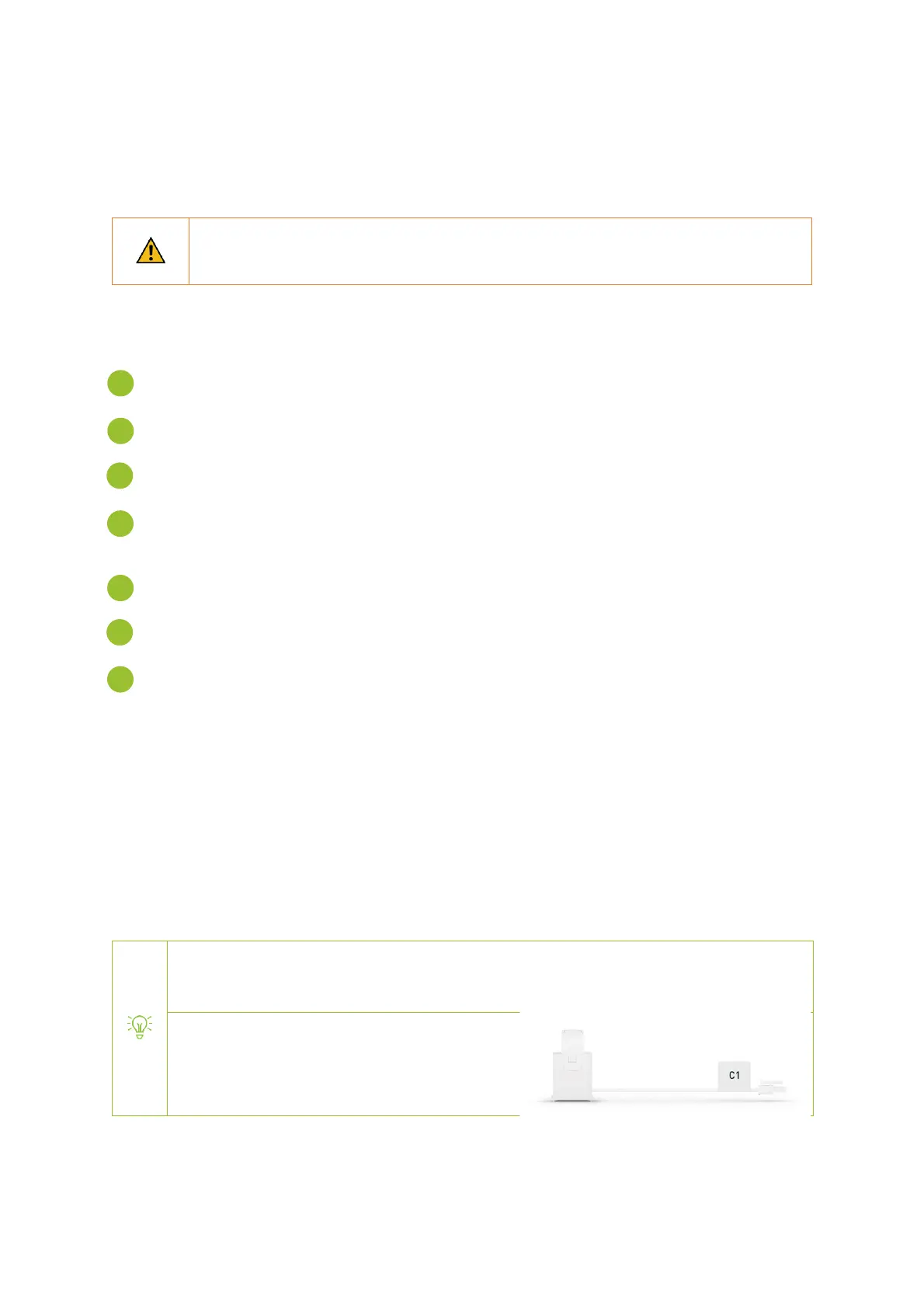
Label the current transformers on the clamp
and connector side to enhance visualisation.


 To Next Page