Smappee Infinity – Installation manual – English
7. Smappee Cloud connectivity
In this chapter the possible internet options to connect to the Smappee cloud are described. The
internet connectivity options depend on the type of gateway (Genius or Connect series) of your
Infinity installation.
Smappee Genius as gateway
During start-up, the Genius will automatically check which internet connectivity is used.
Option A – Connection through Ethernet:
The internet connection will be established automatically. The light on the Genius will display a
continuous green colour when ready.
Option B – Connection using Wi-Fi
• The Genius will open its hotspot, which allows configuring the Wi-Fi network and password.
• The Genius will emit a flashing blue colour when the hotspot can be selected in the list of
available Wi-Fi networks on your smartphone. Please note that it can take a few minutes
before the hotspot is open.
• Make sure your mobile data (3G/4G) is switched OFF on your smartphone before proceeding.
• For more details about the Wi-Fi properties, please see Addendum 2.
Option C – Connection through a 3G/4G cellular network:
The internet connection will be established automatically. Insert the 3G/4G USB Dongle before
power-up. The light on the Genius will turn continuous green when the 3G/4G connection is ready.
Resetting the Wi-Fi: If the Smappee has to be connected to another Wi-Fi network or the
authentication password has to be changed, select in the Smappee App Settings > Your
Smappee Monitors > Infinity modules > Smappee Genius > Change your Wi-Fi settings and
follow the steps in the app.
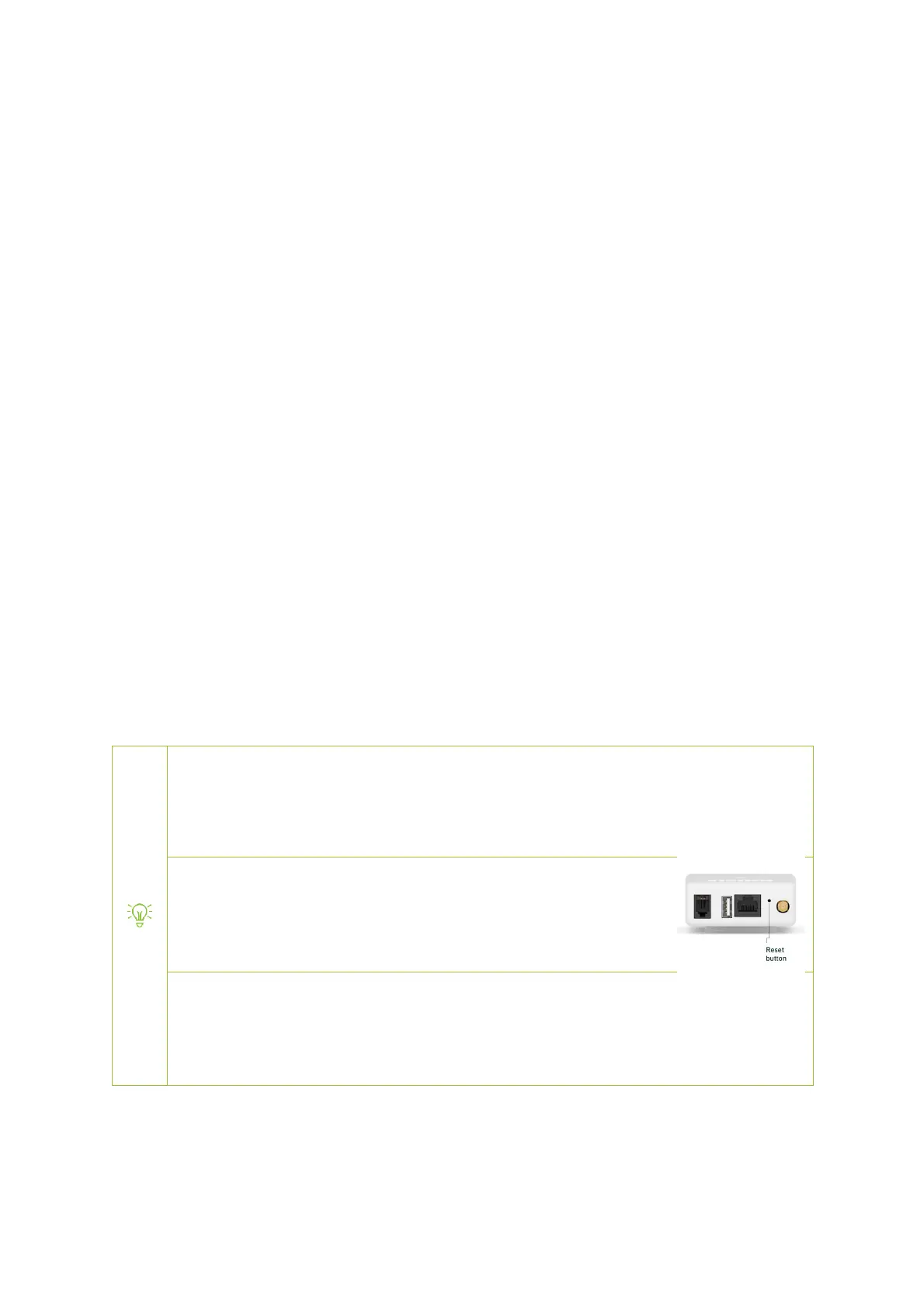
Smappee Genius reset button: Press the reset button on the bottom of
the Genius using a small pin.
Factory reset: Carry out a factory reset when you re-install a Smappee Infinity monitor at
another location or when you want to start with the factory settings. Press the reset
button of the Genius with a small pin until the light turns blue, after approximately 20
seconds. During this process, the Genius will first emit a purple colour, then a yellow
colour, then no colour, and finally a blue colour.


 To Next Page