Note:
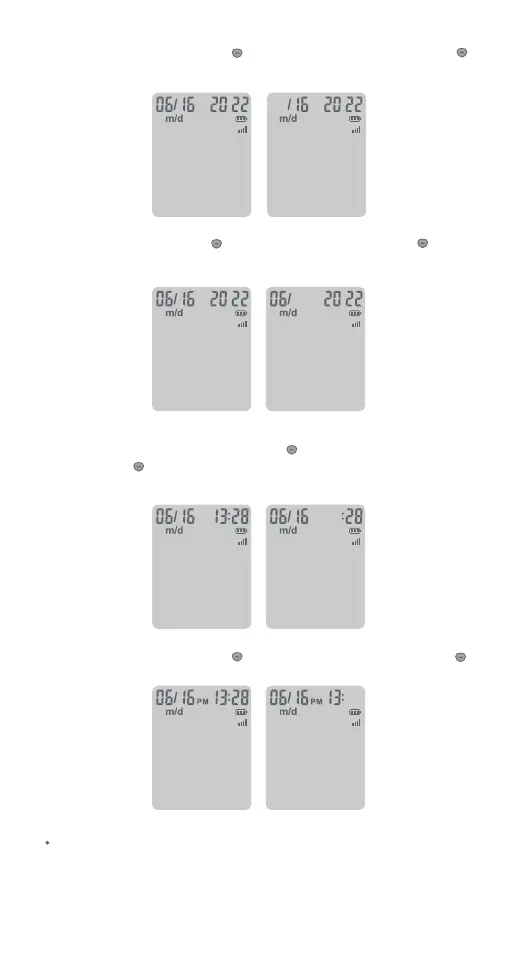
3. Set the time
After the date setting is completed. Press to adjust the current hour,
press and hold until the meter beeps to set, then it will shift to the next
digit for setting.
The minute will now ash. Press to adjust the minute, press and hold
to set.
Before your rst use of the meter for testing, please adjust the meter
settings to set the correct date and time, ensuring that results stored
in the memory are shown with the correct date and time.
The day will now ash. Press to adjust the day, press and hold until
the meter beeps to set, then it will shift to the next digit for setting.
The month will now ash, press to adjust the month, press and hold
until the meter beeps to set.
7



 To Next Page