21
When your meter is o, press button to turn meter on. After a beep, a
symbol of a test strip ashes on the display. Press button to review
previous results in order. Results will be shown starting with the most
recent. Each result will show the date and time the test was taken.
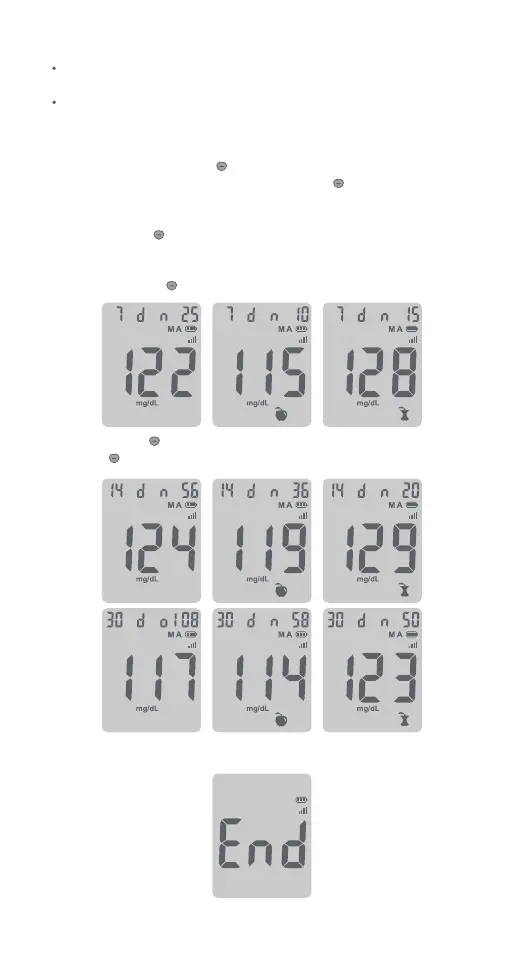
Continue to press button for 2 seconds until the 7-day average of
blood glucose appears in the center of the display. If you want to review
the memory after you immediately performed a test, when the test result
on the display, press button to see the 7-day average of blood glucose.
Continue to press button to view the 14-day average of blood glucose,
then press button again to review the 30-day average of blood glucose.
When END appears on the display, you have viewed all of the results in
the memory.
Viewing Your Test Results
Notes:
If there are already 500 records in memory, the oldest record will be
erased to make room for a new one.
Control results of blood glucose are not included in the 7-day, 14-day
and 30-day average calculation.



 To Next Page