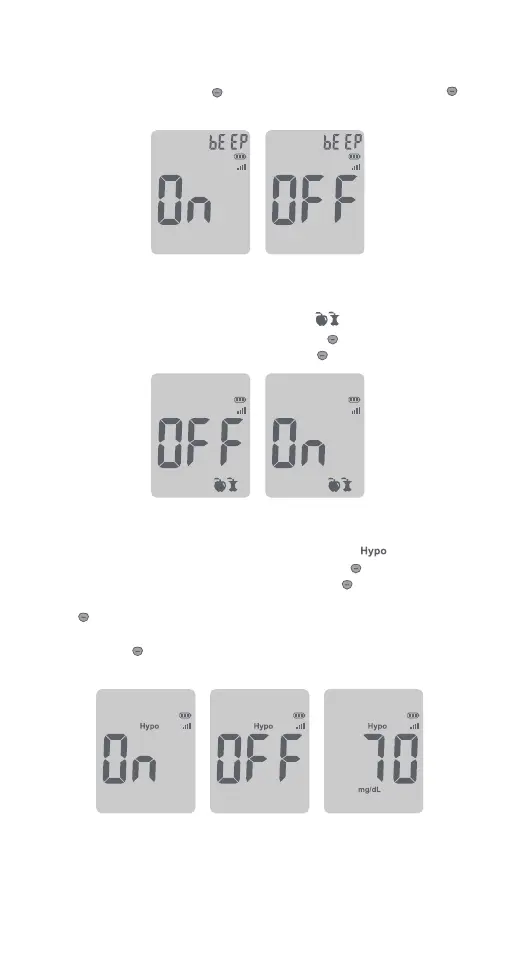
Set the Audio Feature
After you set the time, press to select “On” or “OFF”. Press and hold
to set.
Set the Meal Marker
After setting the audio feature, the symbols of will now ash, along
with the word “On” or “OFF” on the display. Press to adjust to turn the
meal marker function on or o, press and hold to set.
Set the Hypoglycemia (Hypo) Warning
After you have conrmed the meal marker setting, the ashes on the
display along with “On” or “OFF” on the display. Press button to turn the
Hypo alarm function on or o, then press and hold button to set. If you
select the Hypo alarm to be “On”, the display shows 70 mg/dL as default.
Press button once to adjust blood glucose level (the level increases by
1 mg/dL). You can adjust the range from 60 to 80 mg/dL.
Press and hold button to conrm.
8



 To Next Page